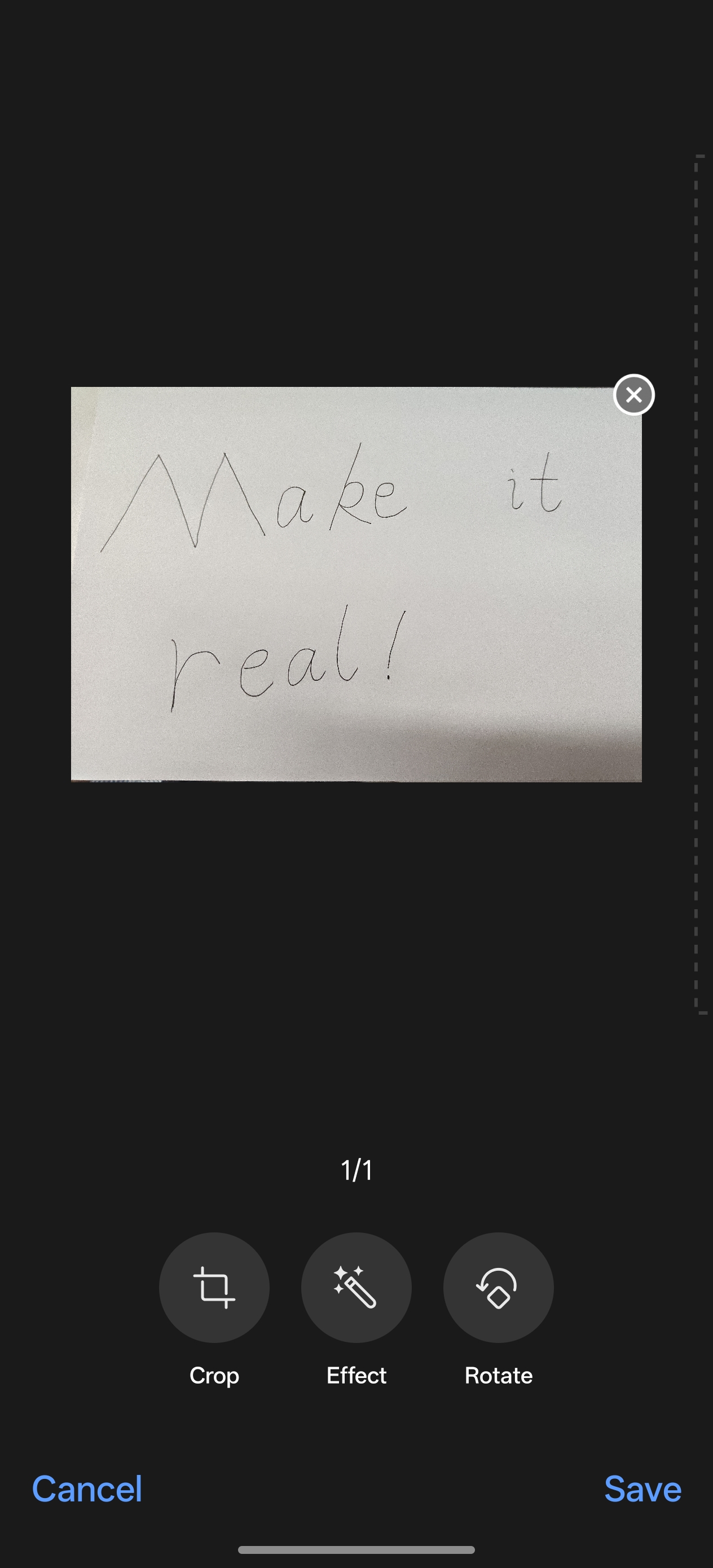
One-stop document processing capabilities have been added, and the document scan feature in Camera and Notes. After document scanning, one-tap optimization for high-fidelity restoration (rotation, correction, and black and white filters) makes the saved documents clearer.
Supported Models:
realme P4, realme P4 Pro 5G, realme GT 8 Pro
Path:
1. Open Camera, tap More, select Doc scanner, and take photos.
2. Text scanner will be able to recognize text from your photos, correct distortion, and adjust text layout. You can also select Enhance to apply effects like "Color", "Black & white", and "Outline" to sharpen the text.
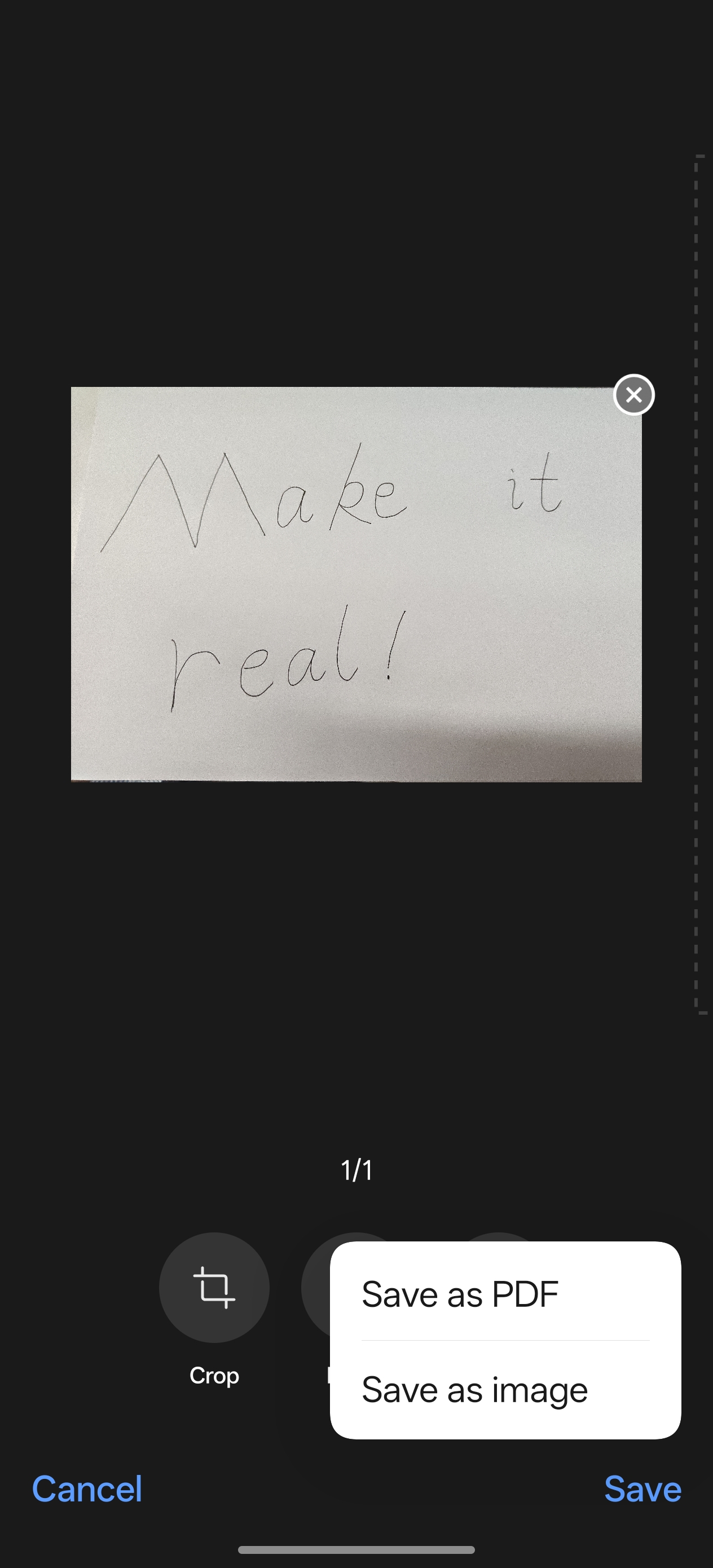
3. Tap "Save" to save it in the PDF format.