realmeparts

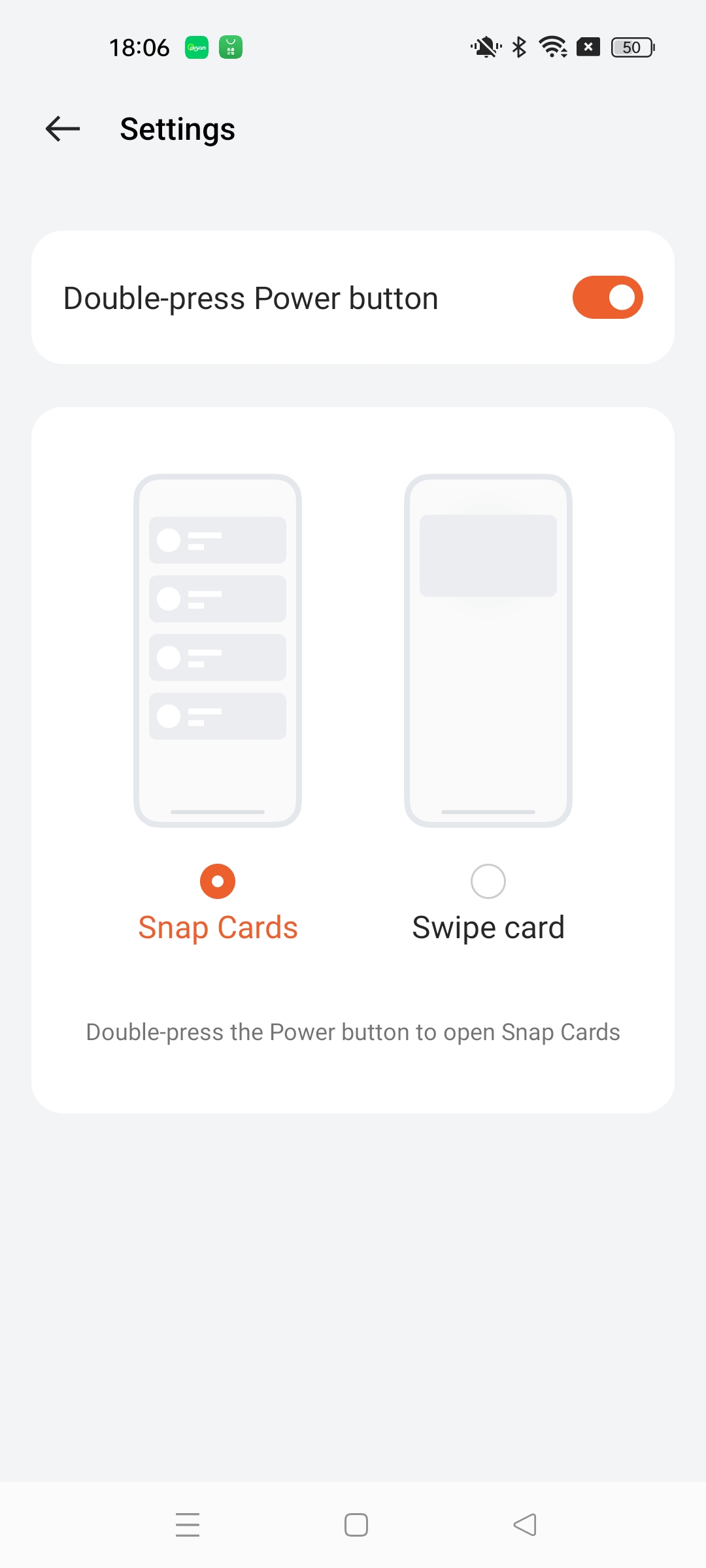
Double click the power button on your phone to access the Fineasy Snap Cards or Swipe Card

18 views
0 likes
Official Source
phone

Description:

By double-clicking the "power button" on the phone, you can enter Snapcards or card swipe to quickly use the card swipe function.


Path:

Tap "More" in the upper right corner > go to the "Settings" page > turn on "Double-press power button"
If you don't want to use this feature, you can turn it off directly.

Notice: The device needs to support the snap cards function in order to see this option.

Article Reference

Official Realme documented guide #2242311

View on realme.com

Related Topics

#fineasy snap cards realme#realme swipe card shortcut#fineasy cards quick access#swipe card settings realme#open fineasy cards realme

Was this article helpful?

Your feedback helps us improve our support content.

Still need help?

Explore more articles or contact our customer support team for personlized assistance.

Visit Support Hub