Introduction:
Game frame interpolation refers to the technical process of increasing the frame rate of animations in game development. It aims to enhance the fluidity and quality of game graphics, allowing players to enjoy a more realistic and detailed gaming experience. It enables players to achieve better graphics quality while ensuring temperature control and power consumption are managed effectively.
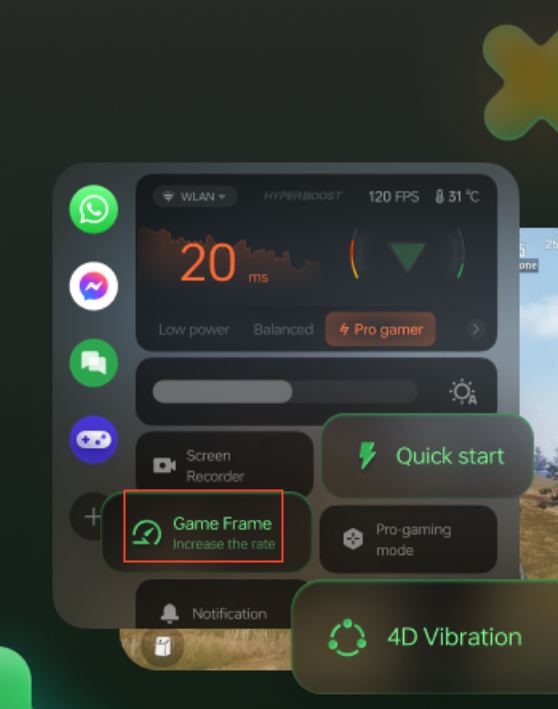
Operation Path:
Games > Game Toolkit> Game Frame (Note: This feature is not available in the Game Space app.)
Scope of Application:
Currently, the availability of this feature is based on the actual display presented to users. If a user does not have access to this feature, it is recommended to select the corresponding game mode for gaming (low power mode, balance mode, pro game mode) instead.
Note:
Turn on game frame function, and the frame rate before insertion will still be displayed in the game or game toolkit, with no change in the frame rate value.