Introduction:
The notification function in game toolkit, you can select the notification style.
Heads-up notification: Allow apps to send heads-up notification.
Bullet notifications: Bullet notifications will fly across the screen from right to left( Not supported in portrait mode or in certain)
Block: Block all notifications except for incoming calls and alarm.
Path:
Game toolkit call out > Notifications
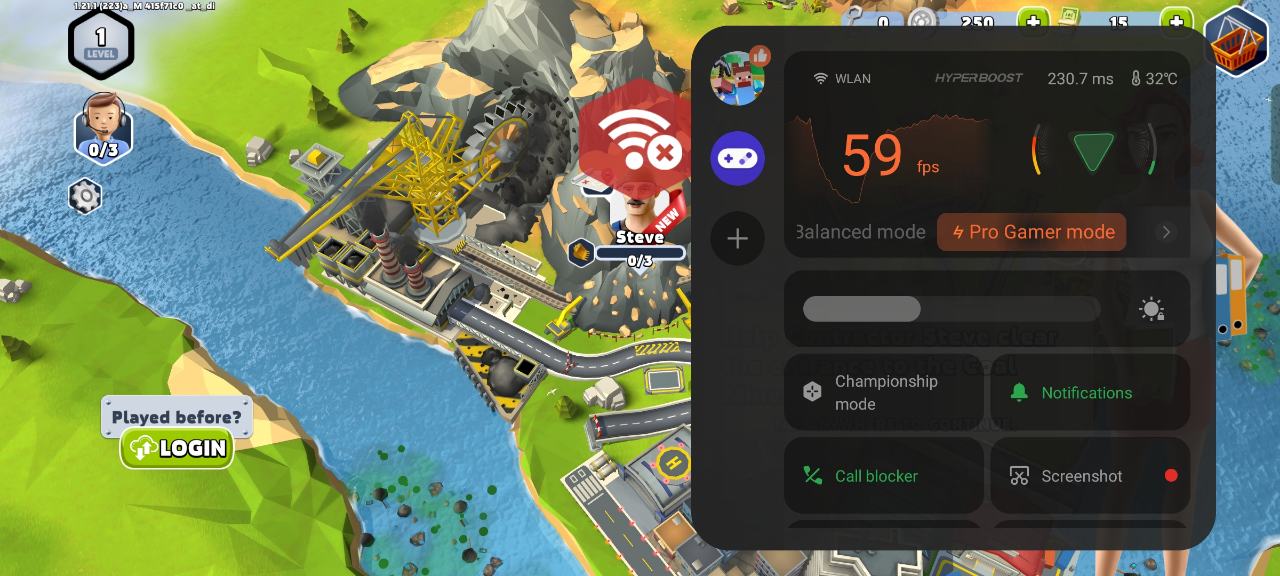
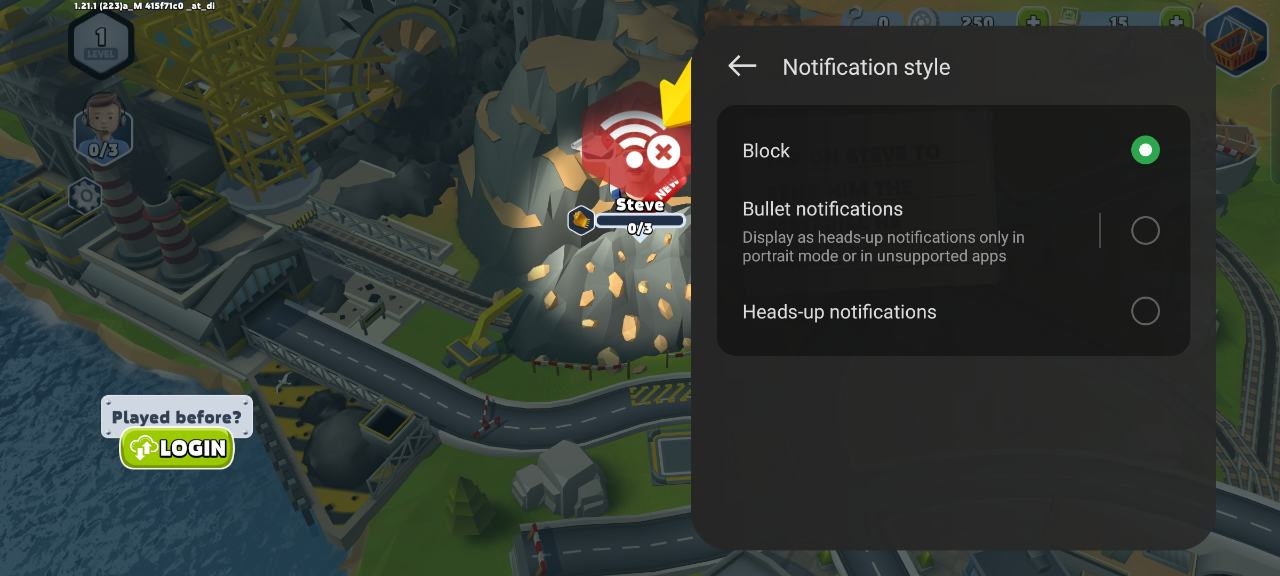
PS: Can also set the notification style from below path, they are the same.
Games App > Settings > Notification style > select the notification style you want.