1. Games:
Games, can help customers to get the best performance and operation of their mobile phone, let players have the best game experience. In Games, players can make the game easily and funny in the Explore page. Players can also communicate with other players in Reviews page.
| Games | Game Space | |
| realme UI | realme UI 3.0 and later versions | realme UI 2.0 |
| Explore & review | √ | / |
| Voice changer | √ | / |
| Applications | Different app | Messenger and WhatsApp |
Auto Play | / | √ |
Game Assistant | / | √ |
| Game Toolkit | √ | / |
| Instant-Game | √ | / |
2. Functions Page
Player can choose the functions they want from the page "My games", "Explore", "Reviews" and "Settings"
PS: "Explore" and"Reviews" are available in India, Indonesia, Malaysia, Thailand, Vietnam and the Philippines.
3. Instant Game
3.1. Introduction: This is a no-install H5 game, which is actually not forced to be installed on your phone and does not take up memory. It is a mobile application for the world, through this mini-game can let the global users compete together, giving users a more interesting experience.
3.2. Rewards feature: You can compete with global users for cash prizes, watch out for our announcement in the game forum.
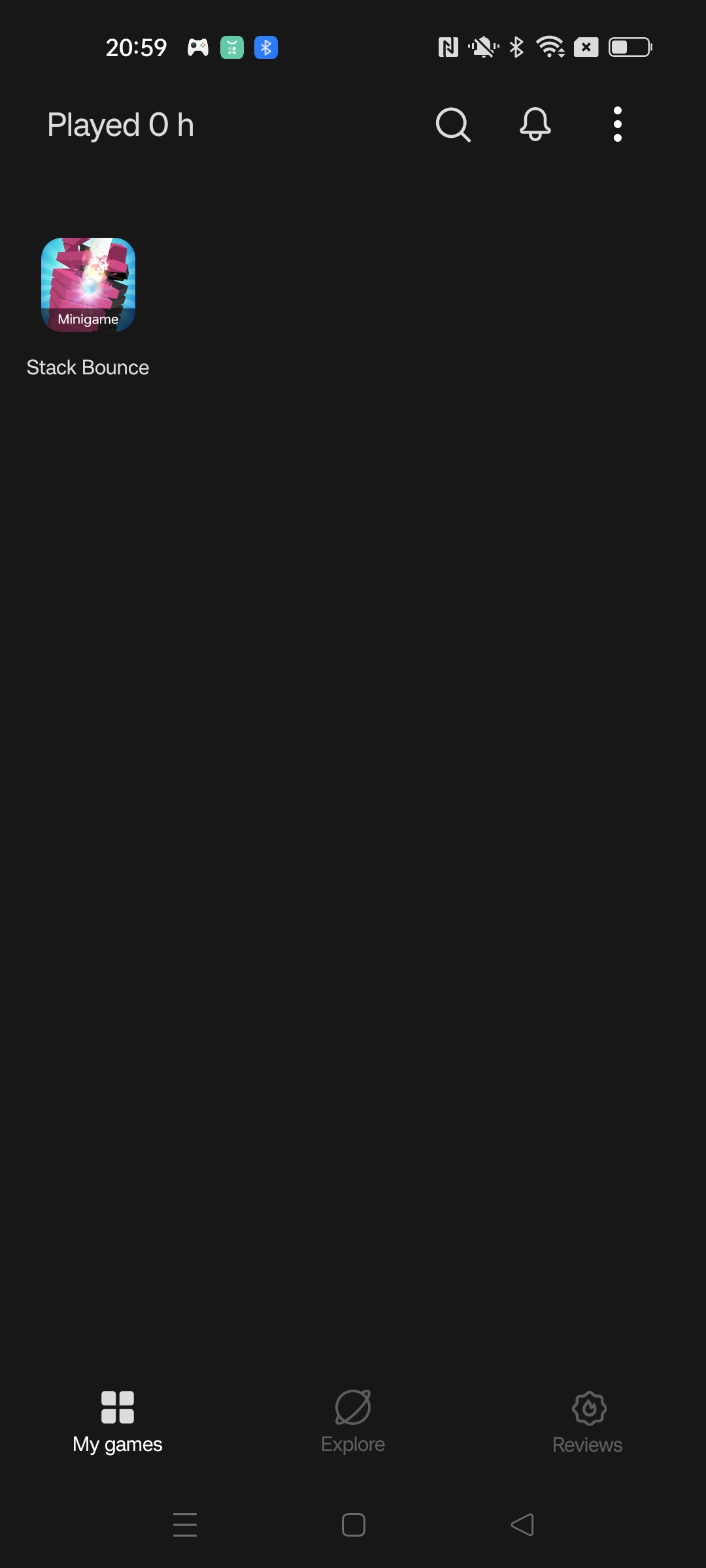
PS: This service was supported from V4.8.8 Games
4. My Games
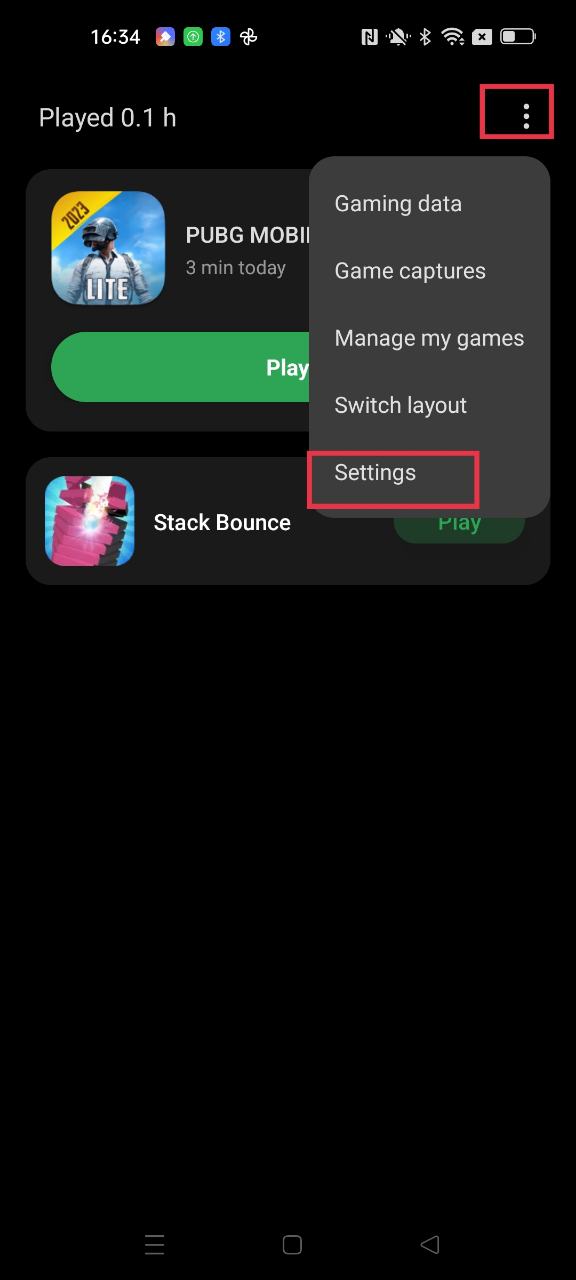
4.1. Collection: Players can move all games from home screen to Games
4.2. Inbox: Notifications and Messages from games;
4.3. Game captures: Screenshot and Screen recording from games, would be saved in this path
5. Explore
Players can get more introduction and professional evaluation of games, make the games easily and funny.
PS: This service is only available in India, Indonesia, Malaysia, Thailand, Vietnam and Philippines.
6. Reviews
Players can share the playing experience to others or get useful info from others player.
PS: This service is only available in India, Indonesia, Malaysia, Thailand, Vietnam and Philippines.
7. Settings
Key features includes Game Toolkit, DO NOT DISTURB, enhancement, and other optimizations.
8. Gaming data
Players can get the gaming duration of each day and the most played info.
9. DO NOT DISTURB
The functions are Answer calls on speaker, Notification style and brightness lock.
10. Answer calls on speaker
Calls are automatically answered on the speaker when Game mode is turned on.
11. Notification style
The player can choose different style (Heads-up notification, bullet notifications and block mode)to according to different needs.
PS:Bullet notifications function is only supported in portrait mode, Bullet notifications are not supported to reply.
12. Game Toolkit
Game Toolkit is similar with Game Assistant of Game space, players can choose different performance mode, check system status, open others apps, block notifications or get the voice changer .
PS:After you choose Game Toolkit in settings of Games, you can call out the Game Toolkit from the screen edge while in a game.
13. Performance mode
Players can choose Game mode, Balanced mode and Low power mode according to different needs. In Game mode players can get the best game experience.
PS:Some mobile phones are limited by hardware performance, may not get the best experience.
14. Game focus mode
Can help you to block all calls, alarms and notifications.
15. Others apps
Compare with Game Space, players can open more and more apps in Games.
16. Voice changer
Different voice effects, Voice Changer is only suitable for some games. Please refer to the actual effect,
FAQs:
How to block all notifications when I am playing games?
You can choose Game Focus mode then all notifications including calls and alarms would be blocked.
I just want to receive calls and block all other notifications, what should I do?
1. Turn on “Answer calls on speaker” .
2. Choose “Block” in the Notification style.
3. Turn off Game focus mode.
Why is there a virus pop-up on PUBG?
Answer: A small number of realme players have risk popups when starting the game. After investigation, it has been confirmed that it is a false alarm of the system, and there is no related risk. You can play the game normally.
Why can`t I search Games in Google Play?
Cause: Google account region is different from Internet region ;
Solution: Clear the data of Google Play Service via path[Settings-App-App management-Google Play Service ]
There are HeyTap Games and Games in Google Play, which one should I install?
Games is for realme mobile phone, it is Full features, including Explore, Reviews and Game Toolkit.(“Explore”and“Reviews”are available in IN/ID/MY/TH/VN/PH region. ). HeyTap Games is for Others Brand (Samsung, Xiaomi, Redmi or other Android brands), please download and install according to your device brand.
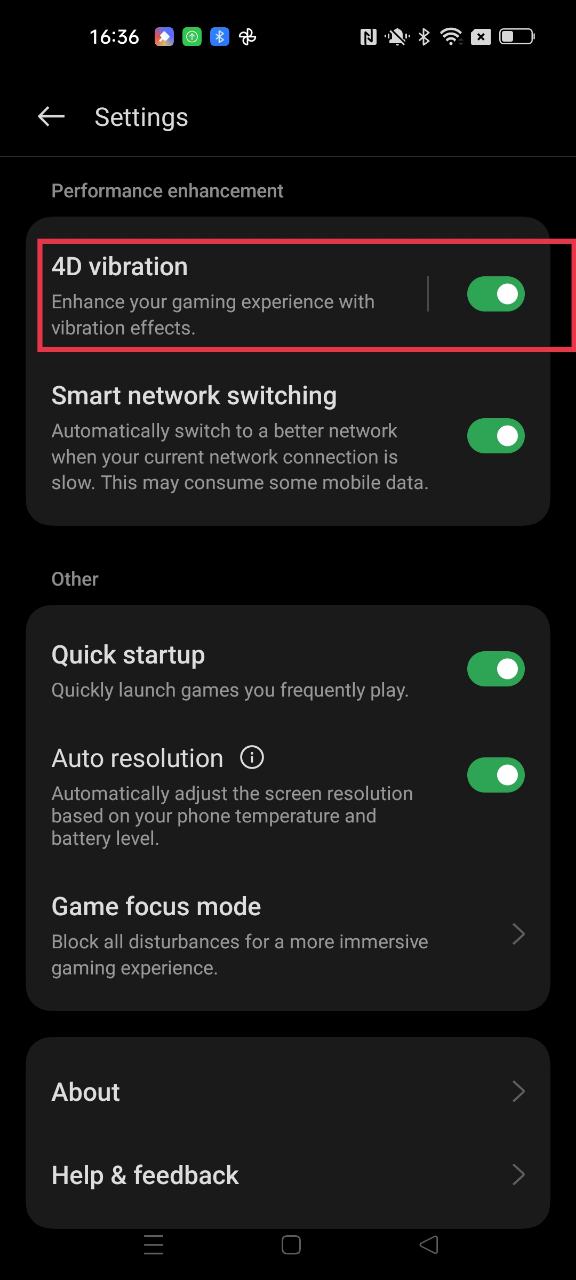
How to turn on the 4D vibration function?
Game vibration (4D vibration) function, which designs vibration feedback for specific scenes within the game to increase the impact effect. Enhance your gaming experience with vibration effects.
Path: Games>Settings>4D vibration.
Games support: PUBG and LOLM only.
(There are no requirements for the Games version, and there may be slight differences in the functions of different product models. Please refer to the actual functions of the phone.)