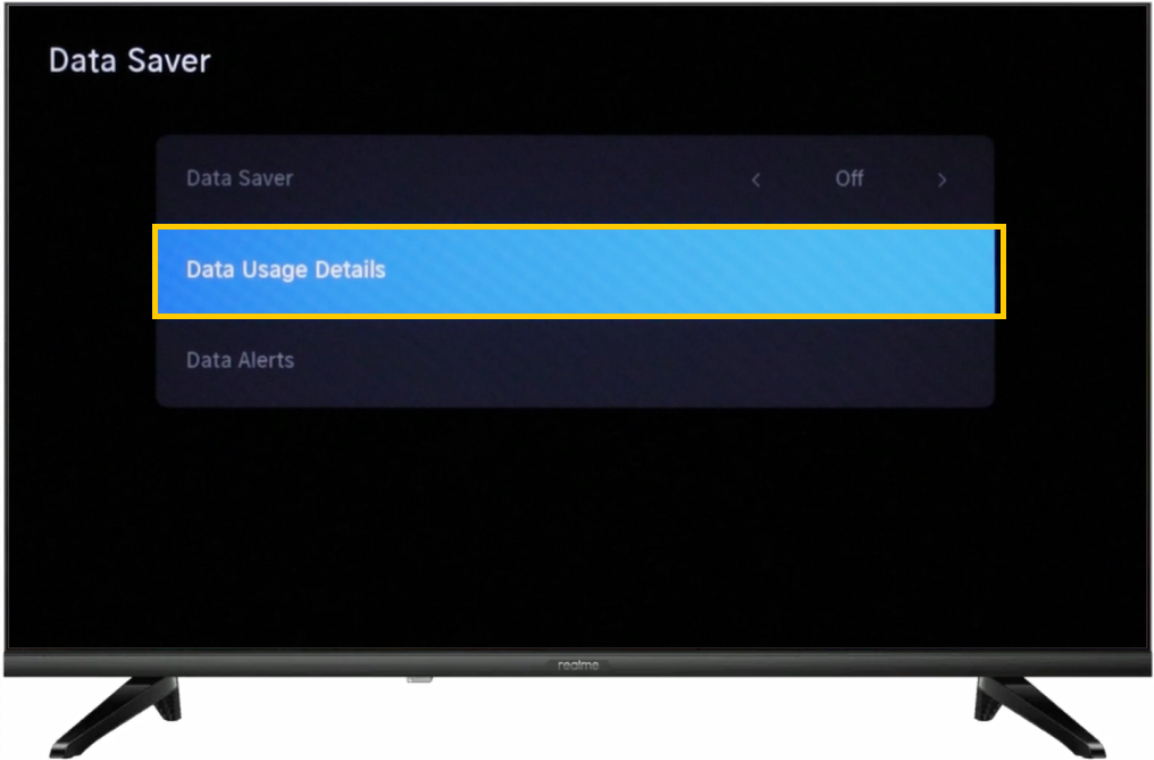
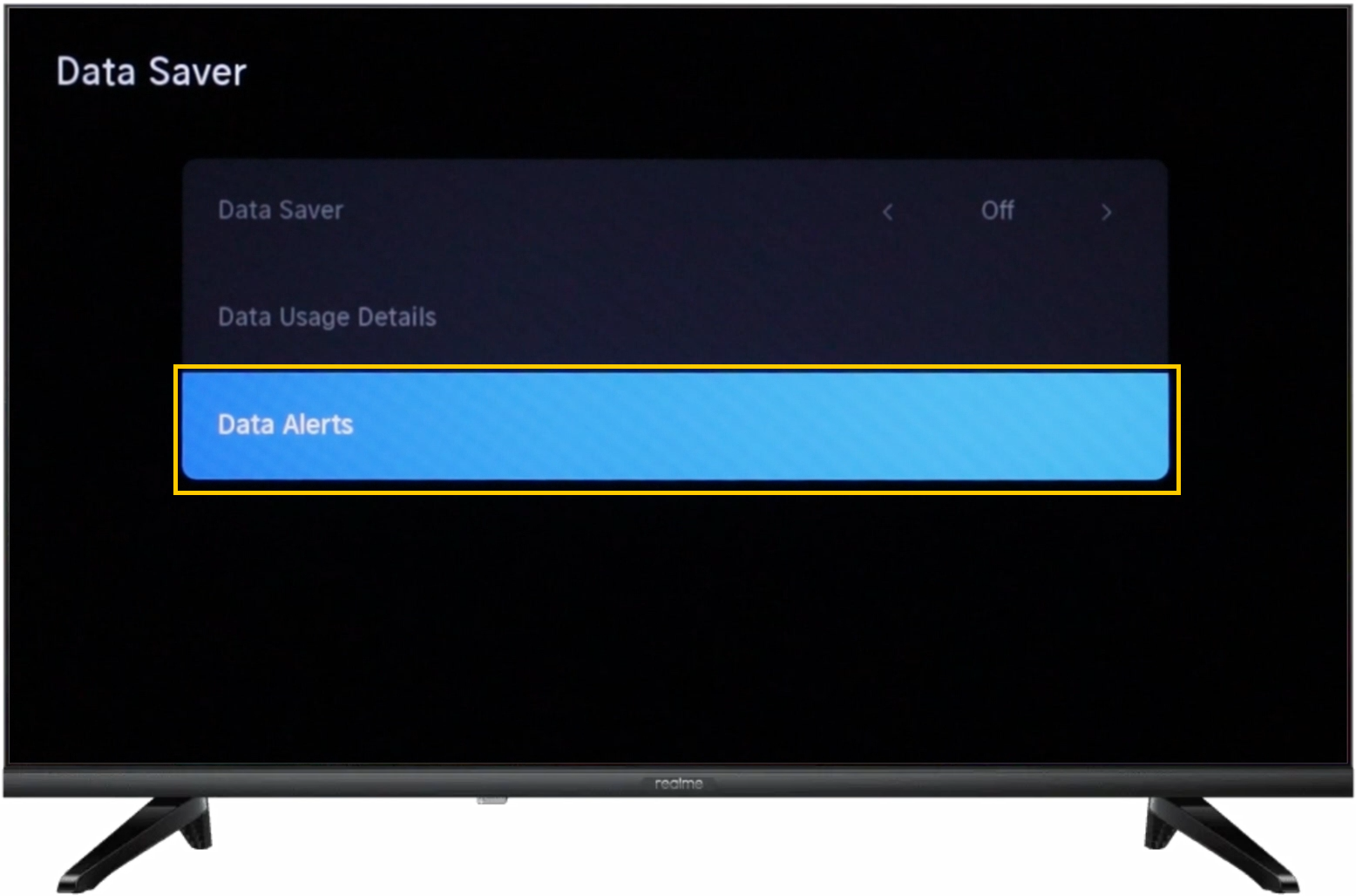
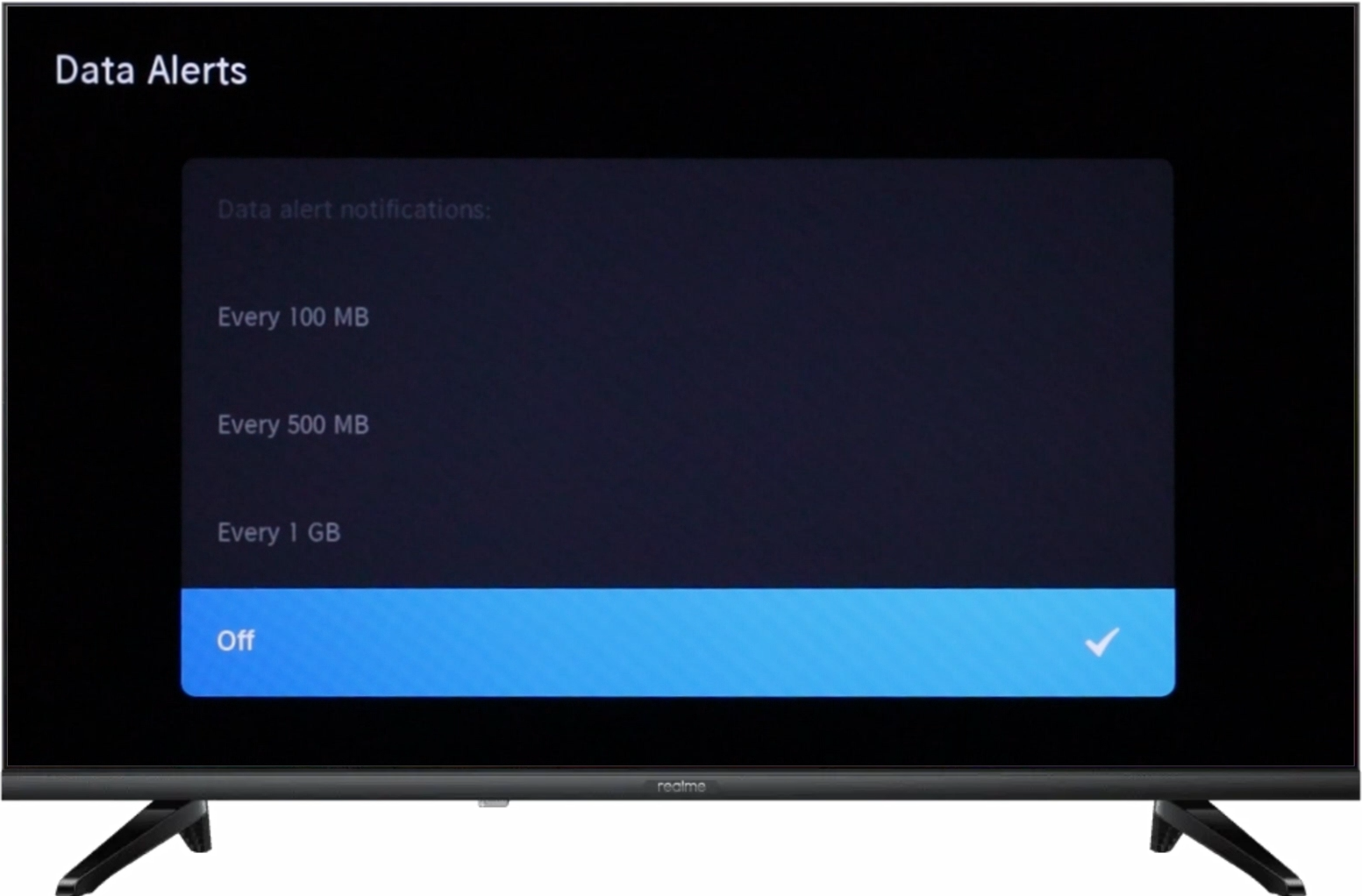
1. Function Introduction
When using the mobile phone hotspot as the network access source of the TV, because of the high mobile network data traffic cost, this function can help to save mobile network data traffic.
Data saver: Automatically adjust video quality to use less mobile data.
Note: This feature is only available for realme Smart TV Neo 32''
2. Operation and Path
UI 1.0: Setting > Network > Data Saver > Data Saver > Press the right or left button on the remote to switch it.
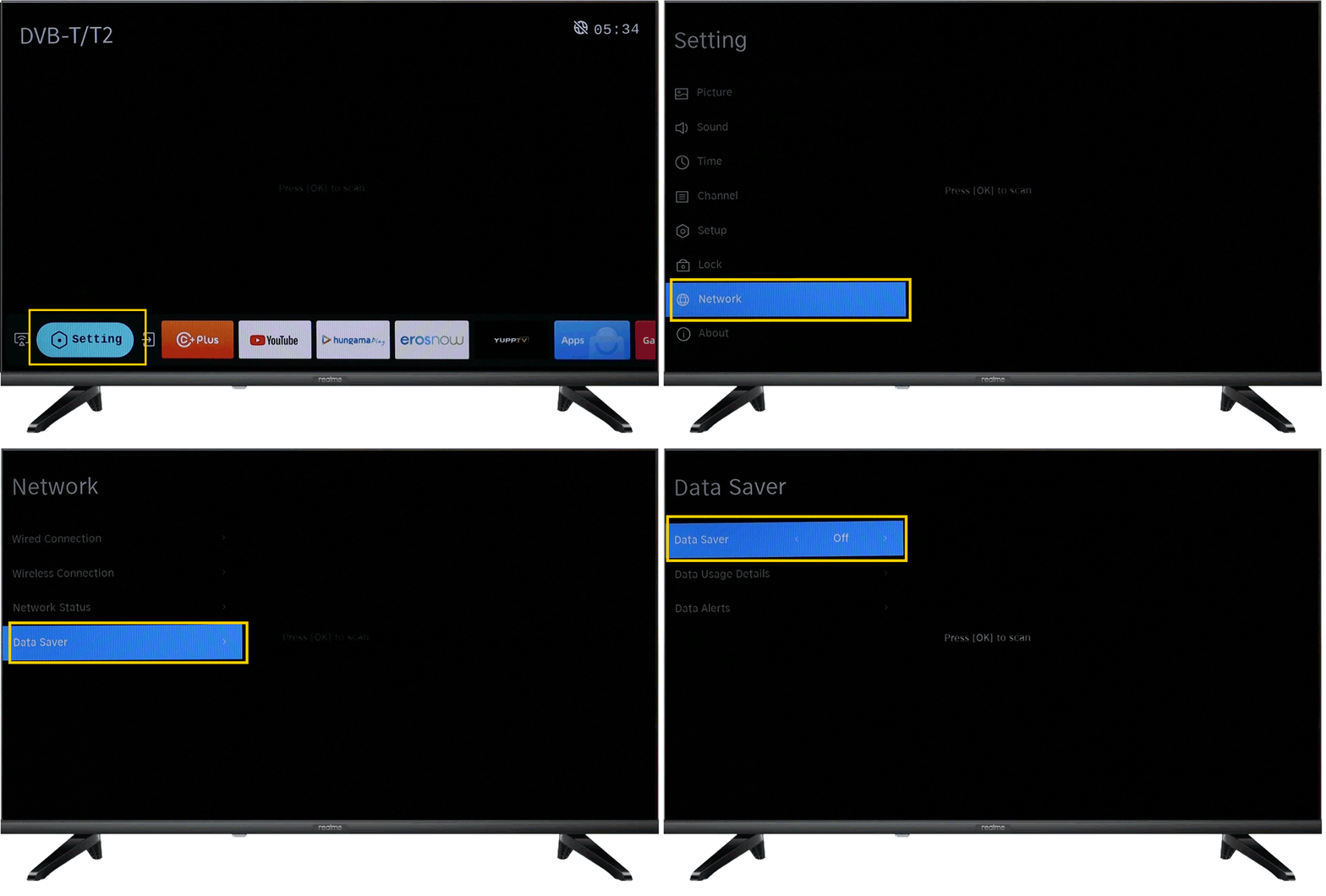
UI 2.0: Press the Menu  button on the remote > Setting > Network Settings > Data Saver > Data Saver > On/Off
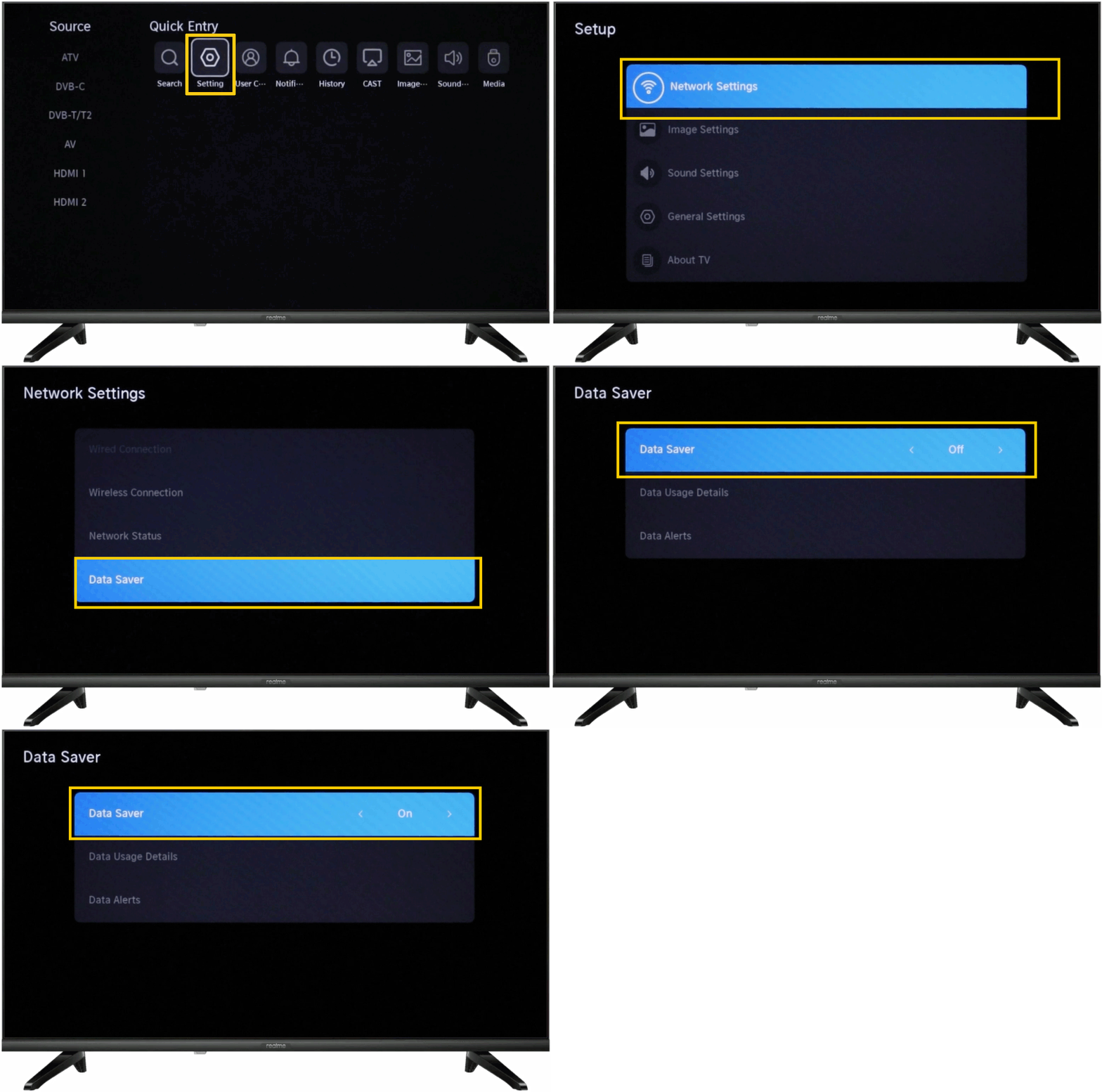
Other functions for Data Saver
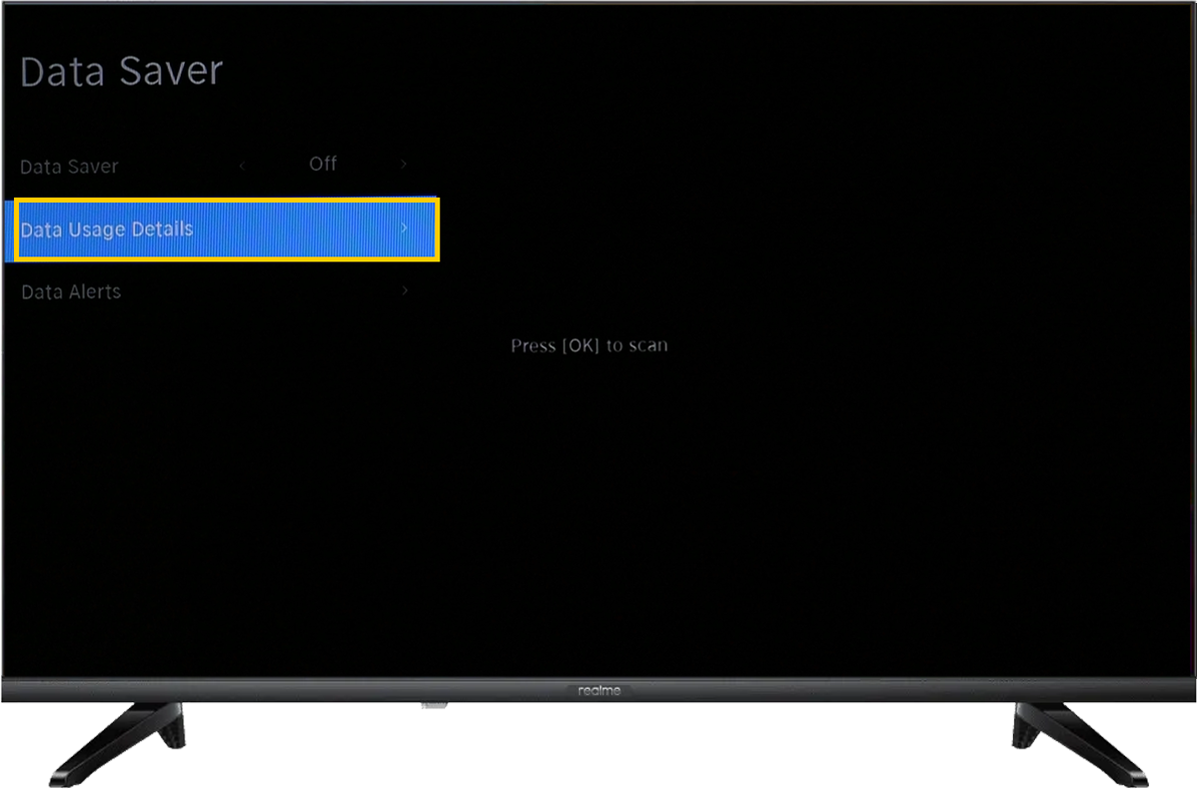
Data Usage Details: This data is cleared at 0 o'clock per day. Data usage is for reference only, please refer to actual usage.
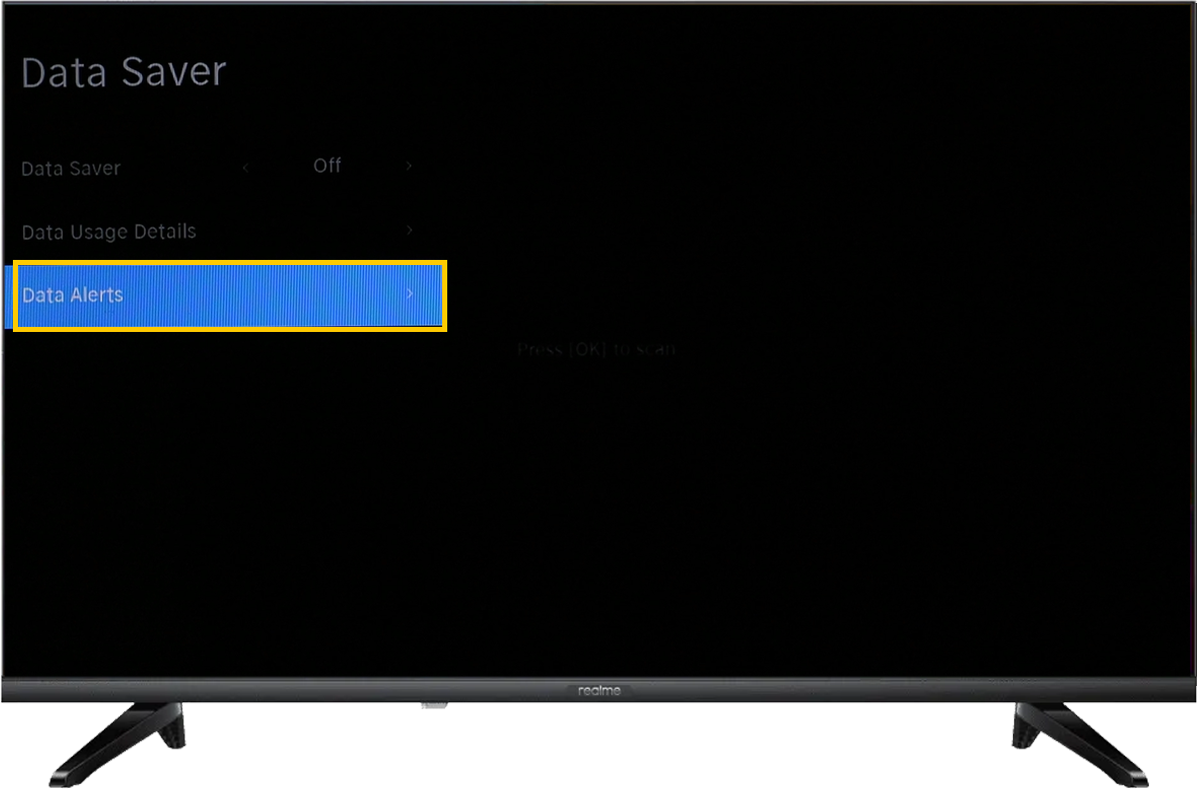
Data Alerts:
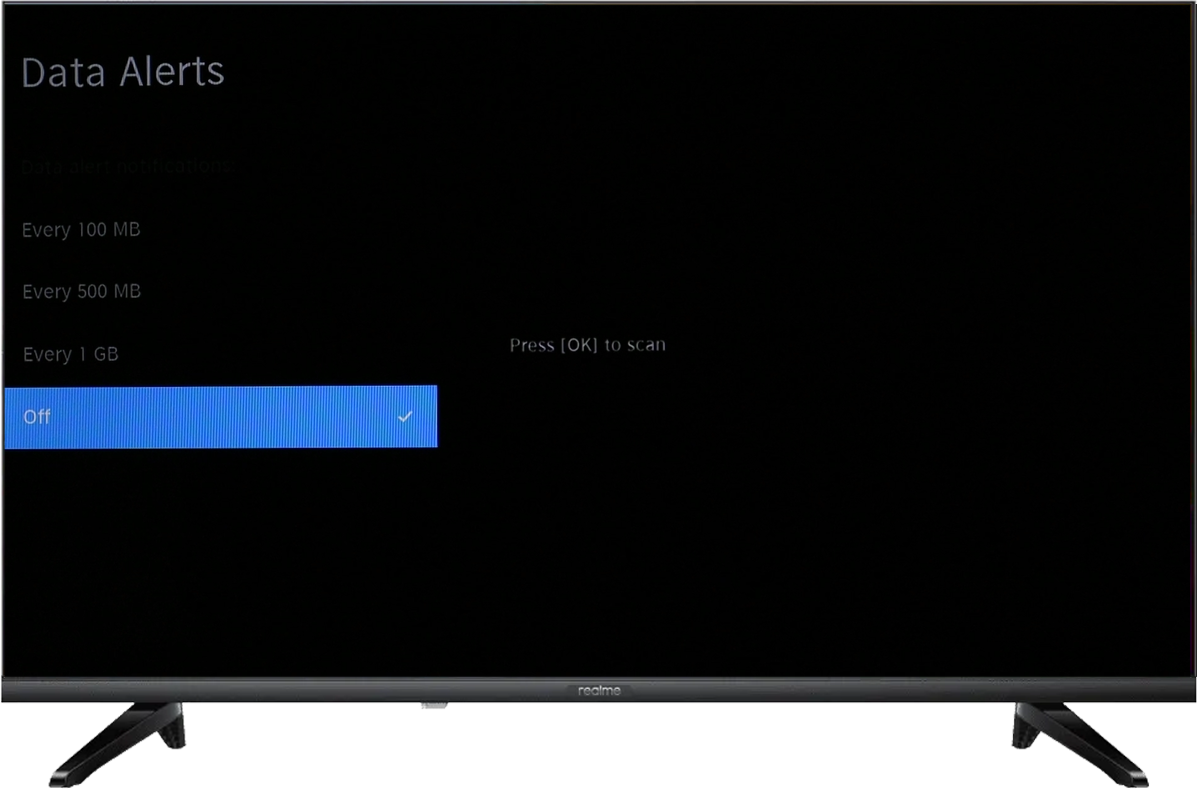
You can choose to be reminded when the actual data usage reaches different levels, or turn off this reminder.
The reminder level can be selected every 100MB, 500MB, and 1GB. For example, when every 500MB set by you is reached, it will pop up a reminder "In a period of time, you have used 500 MB of data".
UI 1.0
UI 2.0