How to Activate the Call Waiting feature?
The function provides a quick message and notifies the user that they have another call. The person on the phone can see who is calling to determine if the second call should be answered immediately.
Setting path:
All realme devices that use Google Dialer support it. To enable the option please follow the below steps:
realme UI 1.0 and above versions: Open the Phone app > Tap More options > Setting > Calling Account > Operator related setting > Carrier call Setting > Additional Setting > Turn Call waiting on or off.
realme UI R & Go & T & S & U Edition: Open the Phone app > Tap More options > Setting > Calling accounts > Additional Setting > Turn Call waiting on or off.
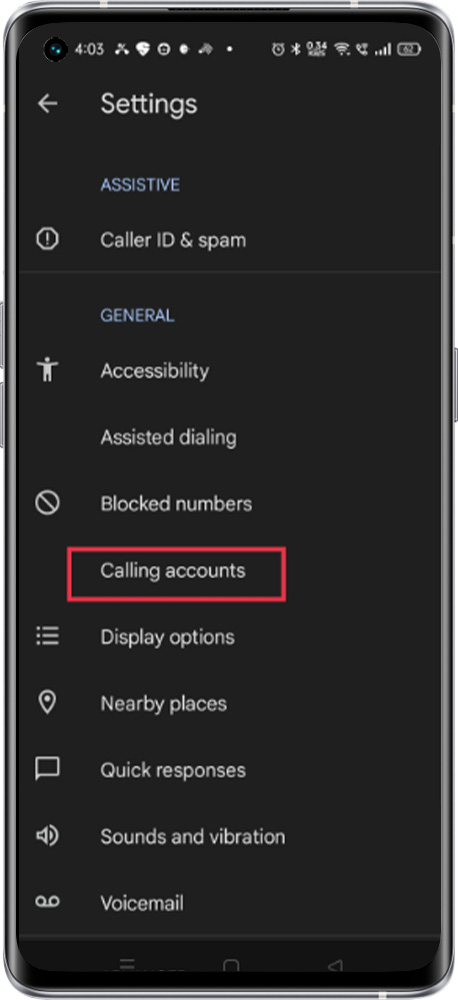
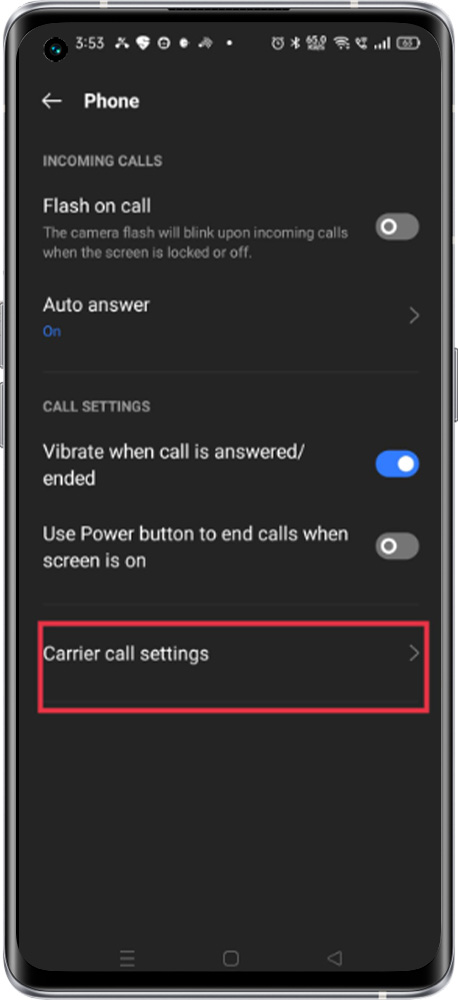
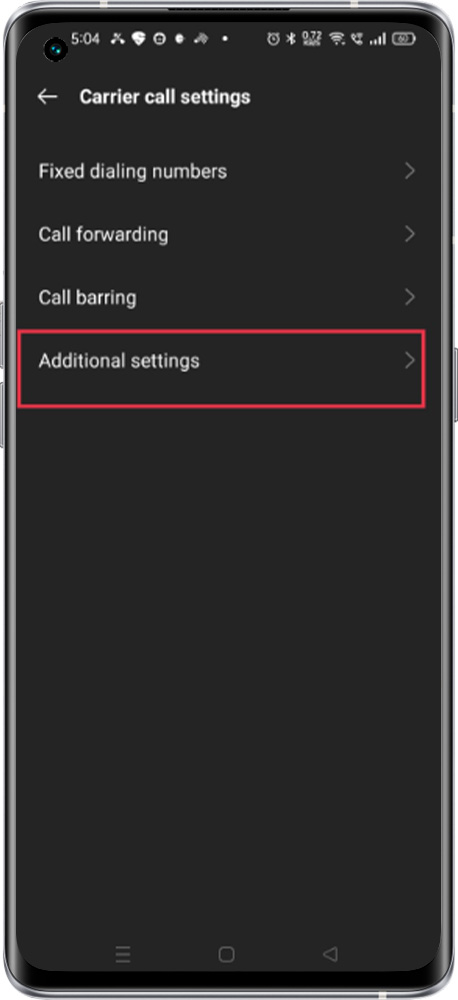
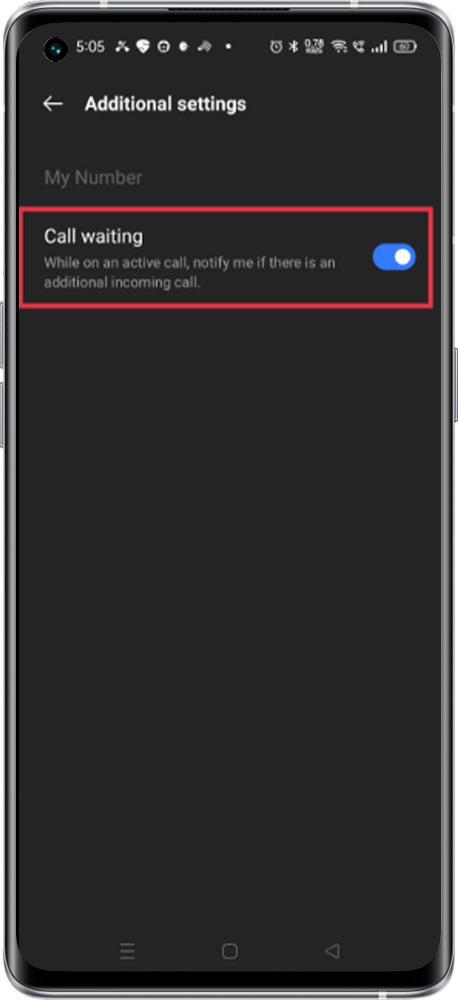
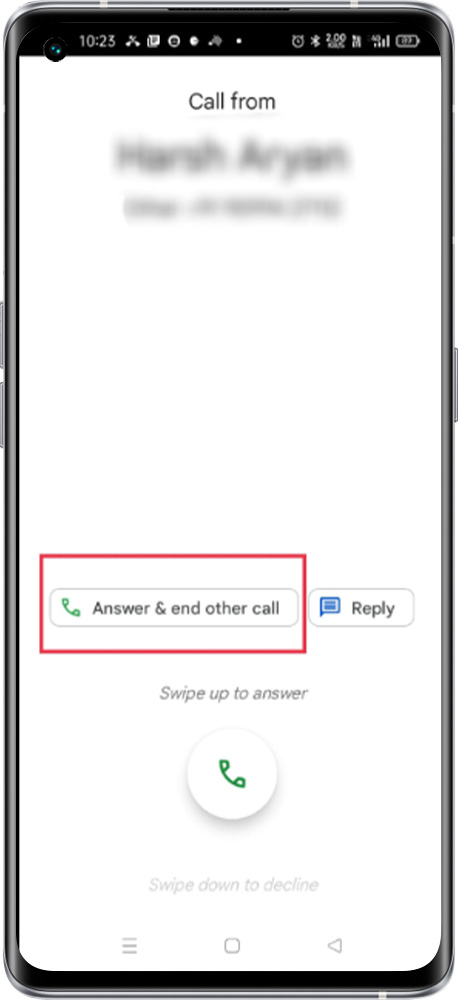
Note: While the user is on call and another person will call the user, he/she will receive a call waiting alert and can “answer & end the call” However the caller can also get notified that the user is busy on another call.