realmeparts

How to check the realme Smart TV serial number

25 views
0 likes
Official Source
tv

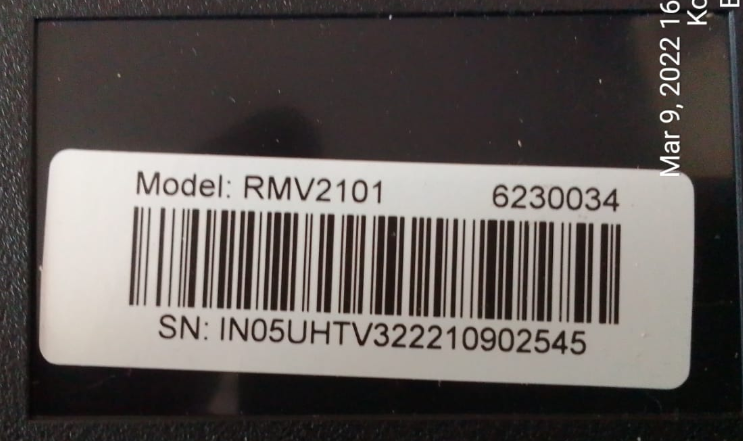
SN (Serial Number) of realme Smart TV can be viewed at the back of the TV and on the sides of the packaging box (left side or right side). 
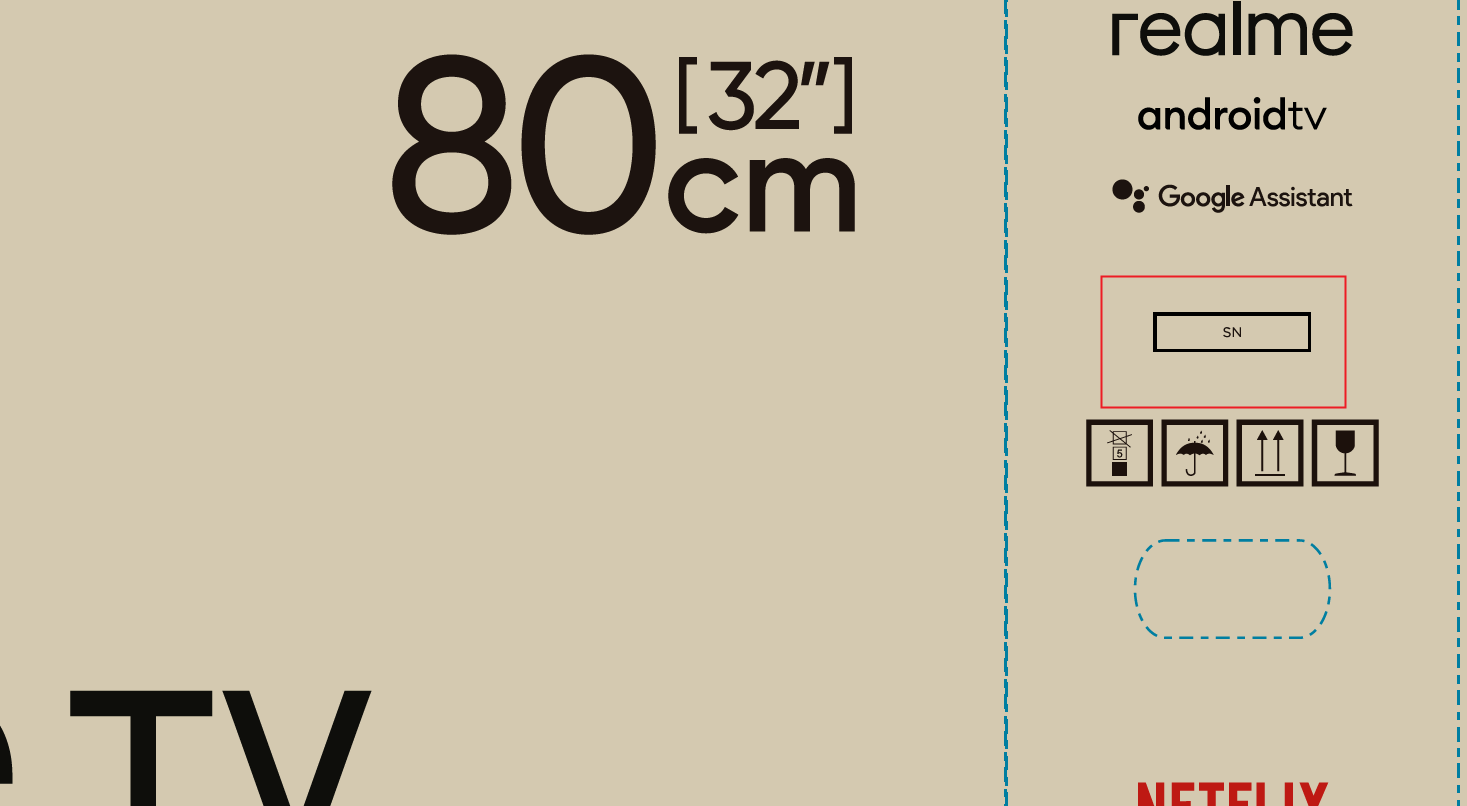

The SN (Serial Number) information found in the TV settings menu under Device preference > About is different from the SN located on the TV's back cover sticker or on the sides of the packaging box.


Hope it can help you!


Article Reference

Official Realme documented guide #2242667

View on realme.com

Related Topics

#Smart TV#TV serial number

Was this article helpful?

Your feedback helps us improve our support content.

Still need help?

Explore more articles or contact our customer support team for personlized assistance.

Visit Support Hub