realmeparts

How to disable User Account Control notification on laptop?

3,611 views
4 likes
Official Source
laptop

Problem phenomenon:

The User Account Control will pop up when installing the program. 
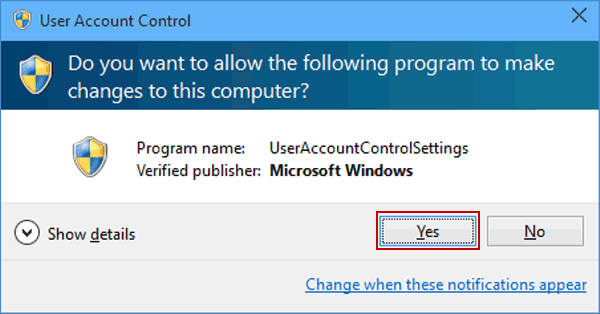

Solutions:

1. Click the Start menu and search for "Change User Account Control", and click Open.

Click on the Change User Account Control settings from the panel on the left and open it.


2. Set the slider down and click OK.
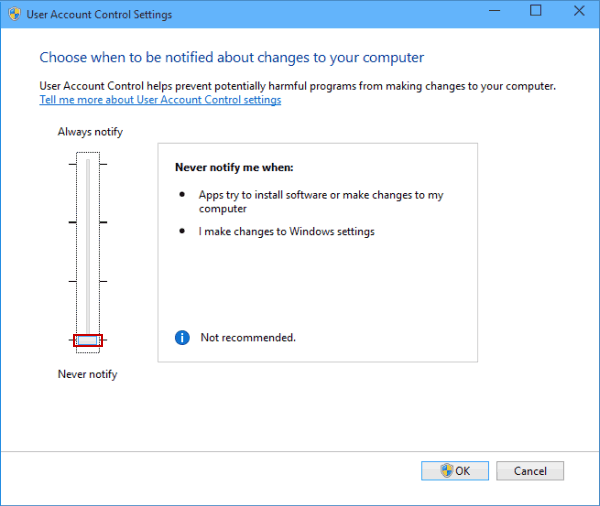
 

3. It will take effect after restarting the computer.


Article Reference

Official Realme documented guide #2085397

View on realme.com

Related Topics

#account control notification#disable user account control notification#UAC control in Windows#turn off user account control notifications

Was this article helpful?

Your feedback helps us improve our support content.

Still need help?

Explore more articles or contact our customer support team for personlized assistance.

Visit Support Hub