Sometimes picking up the phone isn't possible -- when driving, while showering, or when your hands are occupied, just to name a few examples. In addition, you may simply not notice your ringing phone - it blinks, beeps, and vibrates vigorously, yet is still too far away to attract your attention. There's little you can do in the former situation, but this neat trick can help you avoid the latter. The LED light on the realme phone's camera can be set to blink when there is an incoming call, which minimizes the chance of you missing it. The brightest flashlight is a smart flash tool to give you flashlight notification flash alerts through a led torch on incoming calls. When you get an incoming call notification flash alert gives you amazing bright flash alerts.
Path:
To enable the option please follow the below steps:
realme UI 1.0 and above versions: Phone app > Tap More options > Settings > Calling Account > Turn Flash on call to on or off.
realme UI R & Go & S & T & U Edition: Not supported

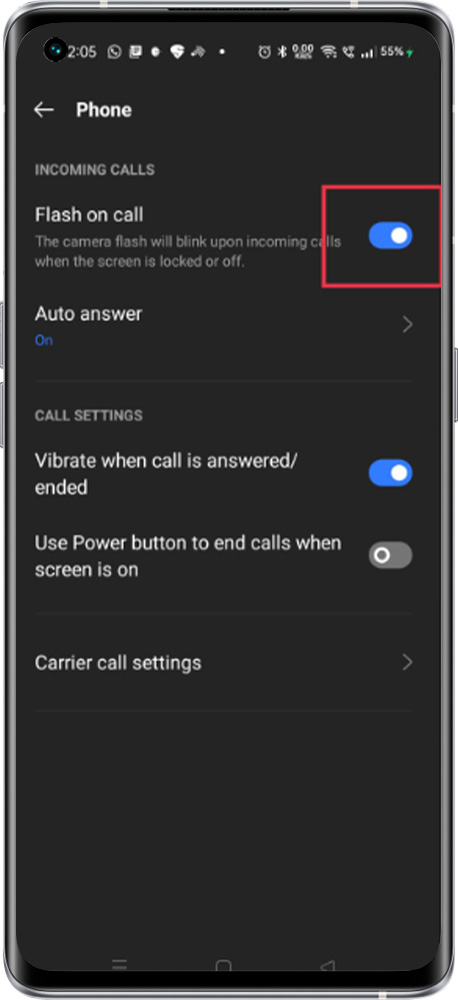
Note: The Camera Flash will blink upon incoming calls when the screen is locked.