How to enable the Contact display option in Google Dialer?
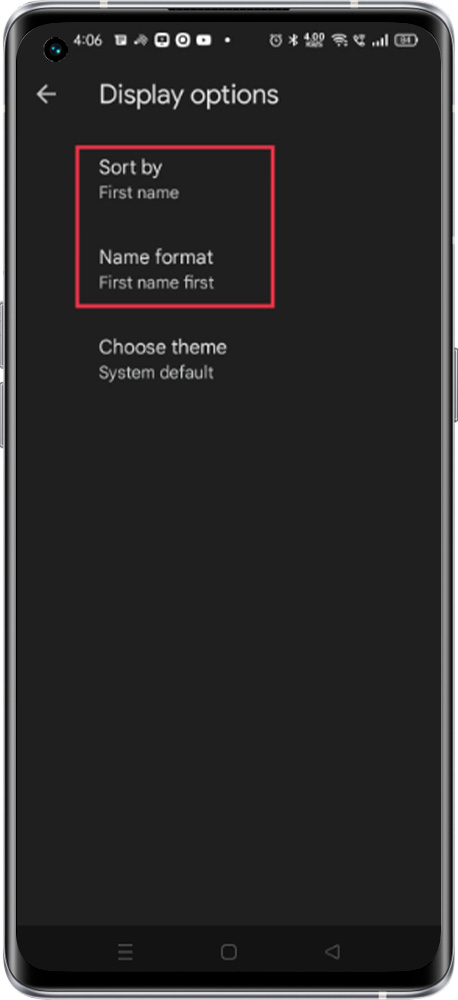
The display settings in the Google Dialer offer useful functionality. They allow you to sort your contacts either by last name or first name. Additionally, this feature enables you to customize contact visibility, giving you the option to display either the first name or the last name prominently at the forefront.
Setting path:
To enable the option, please follow the steps below:
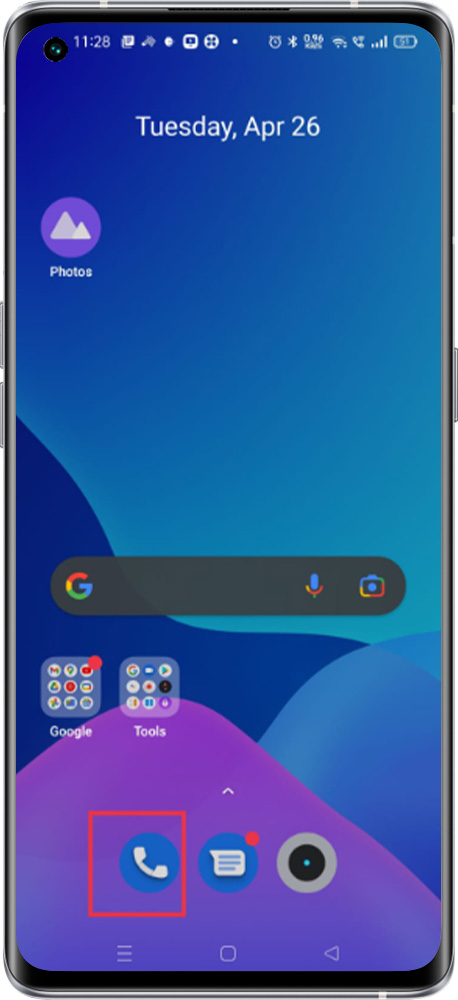
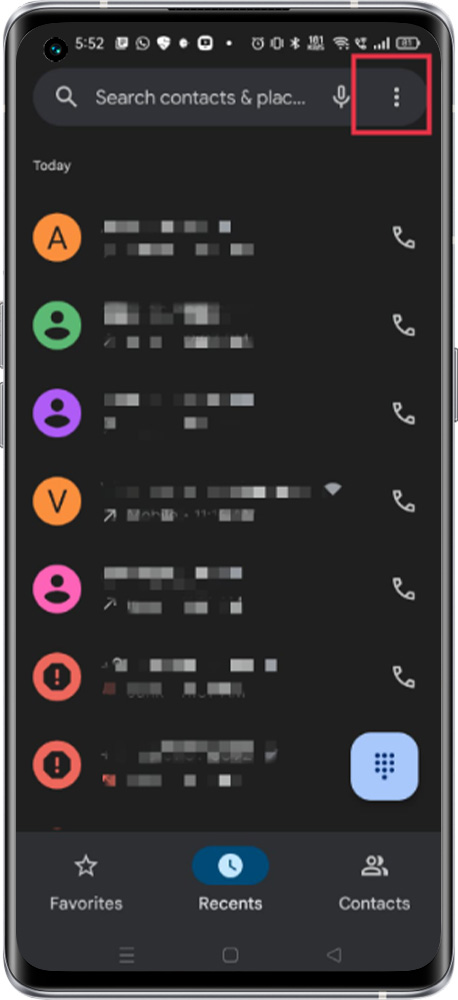
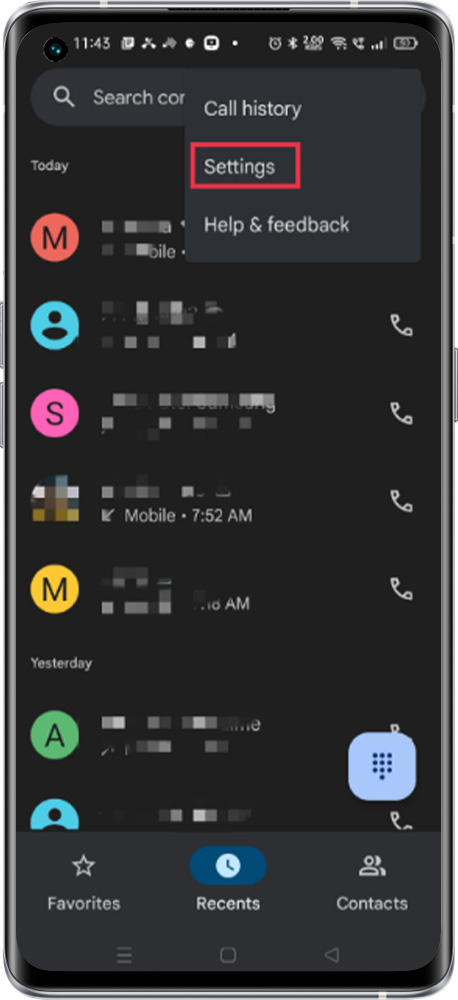
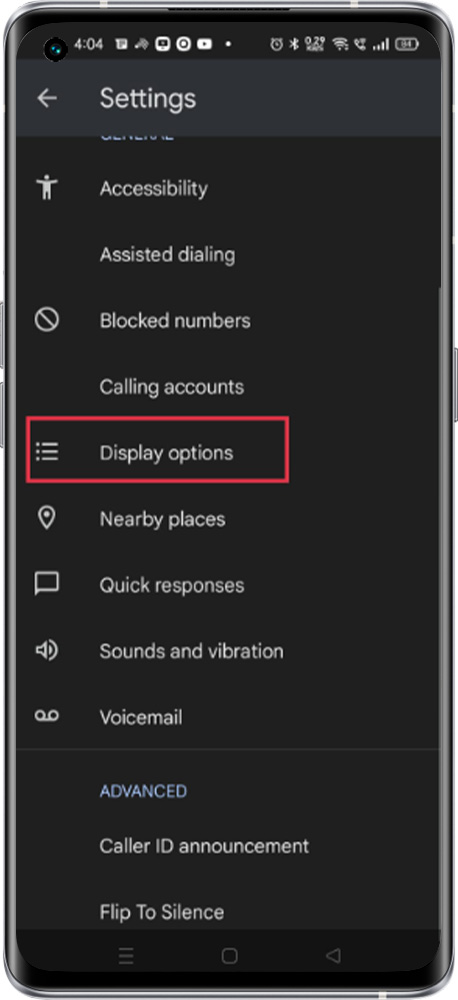
Open the Phone app > Tap More options > Settings > Display Options > To change the Contact view, choose the appropriate option
*Note: With this feature, the contact format can be changed, for example, from SSS KKK to KKK SSS