How to save contact details?
In today's society, we have several contacts, but it is difficult to remember each of them, so it is necessary to save each contact's details on our phones. Here's how to save a contact's details.
Setting path:
1. Open the Phone app > Type the contact number > Click on Create New Contact > Click "Save to" where you want to save the contact detail (Gmail ID or Phone Memory) > Type the First and last name of the contact and Select the Label as per the nature of the contact > Click on the Save


2. We can save the unfamiliar contact like incoming calls or Missed call numbers from the recent bar on the dialer screen
Open the Phone app > Click on Recents > Click on the number and choose Add contact to save the contact.


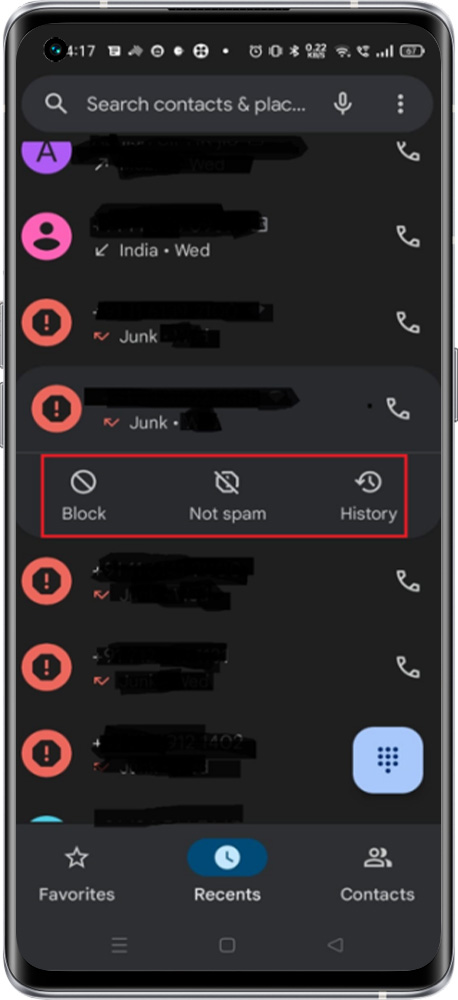
*Note: If the call is spam add option will not be enabled. If you still wish to add, Kindly click on History and Select the Add Option on the Right Side of the Top.
Related Articles:
How to add number to favourite contacts