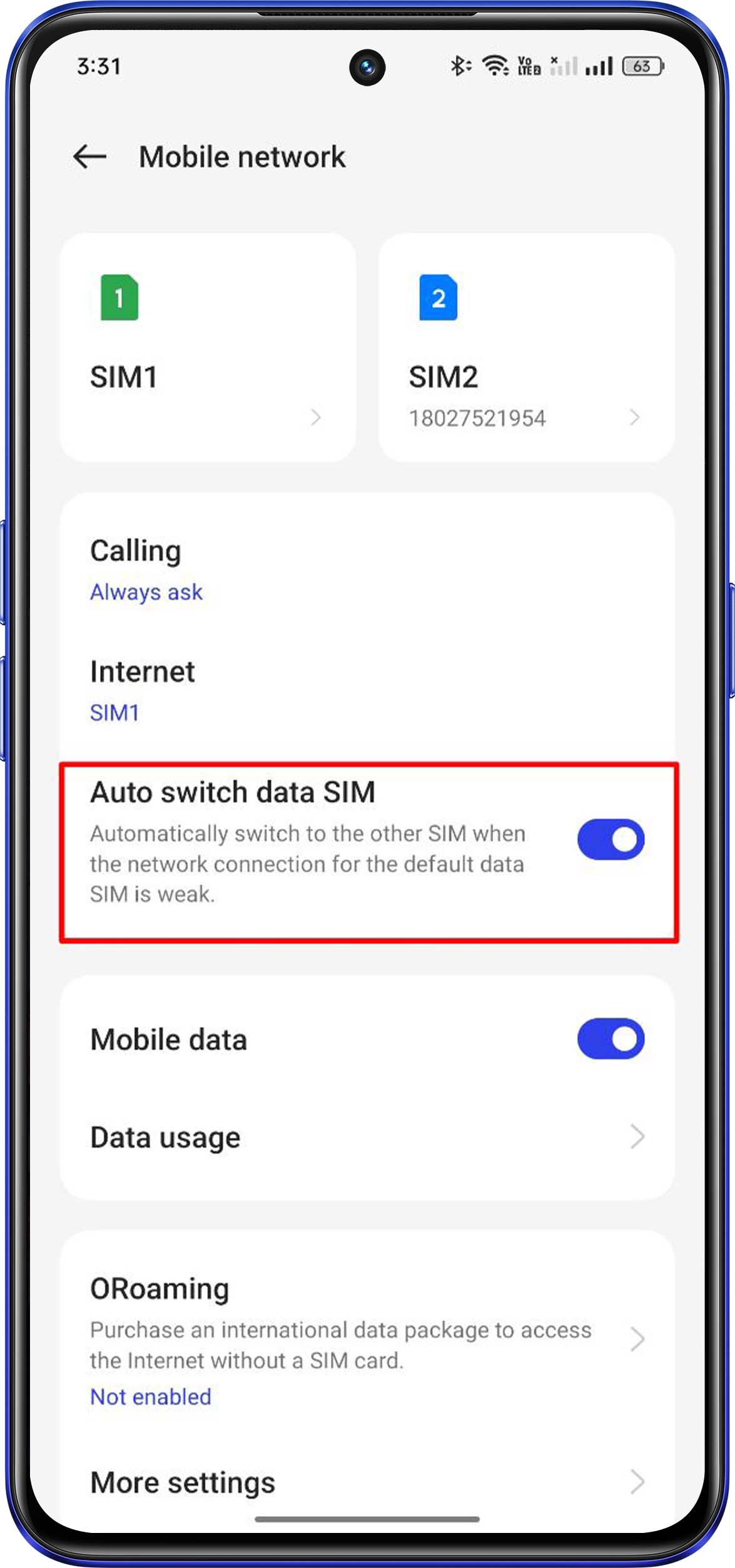
Automatically switch to the other SIM when the network connection for the default data SIM is weak.
Method 1:
realme UI 3.0 & later UIs: Settings > Mobile network > enable Auto switch data SIM.
realme UI 2.0 & 1.0: Not supported
realme UI R & S & T & Go & U Edition: Not supported
Method 2:
Swipe down the status bar from the top of the screen, and long press  on the control center page to go to the mobile network settings.