How to set the caller ID Announcement in Google Dialer?
The Google Phone app received the Caller ID announcement feature. When activated, the device announces the name and phone number of the incoming calls.
Setting path:
To enable the feature, please follow the steps below
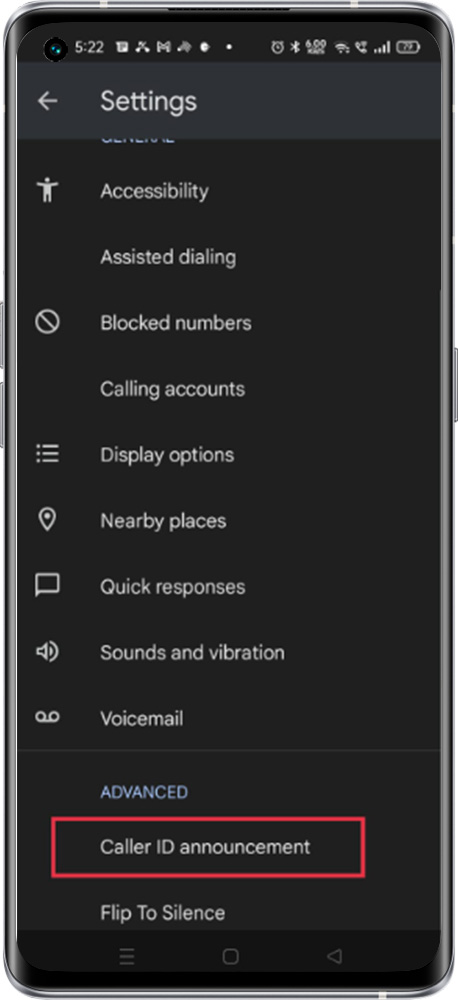
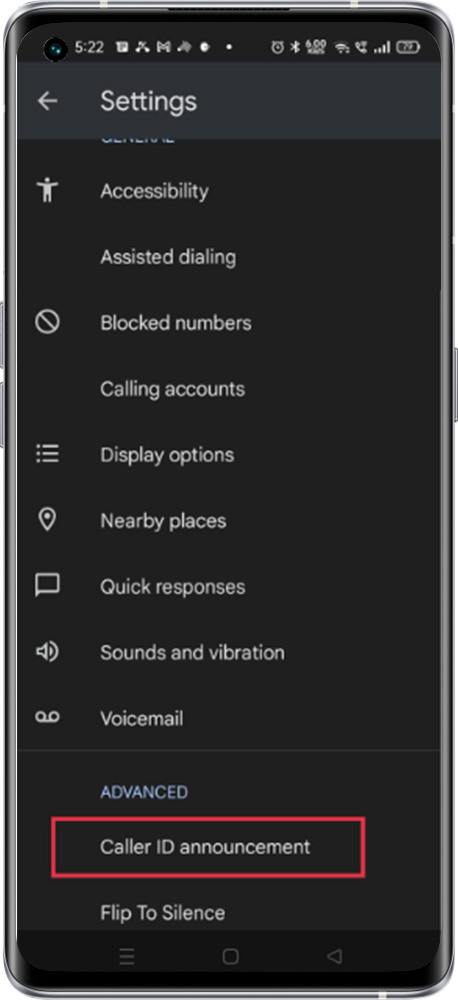
Open the Phone app > Tap More options > Set Caller ID announcement > Announce caller ID > Select the appropriate option
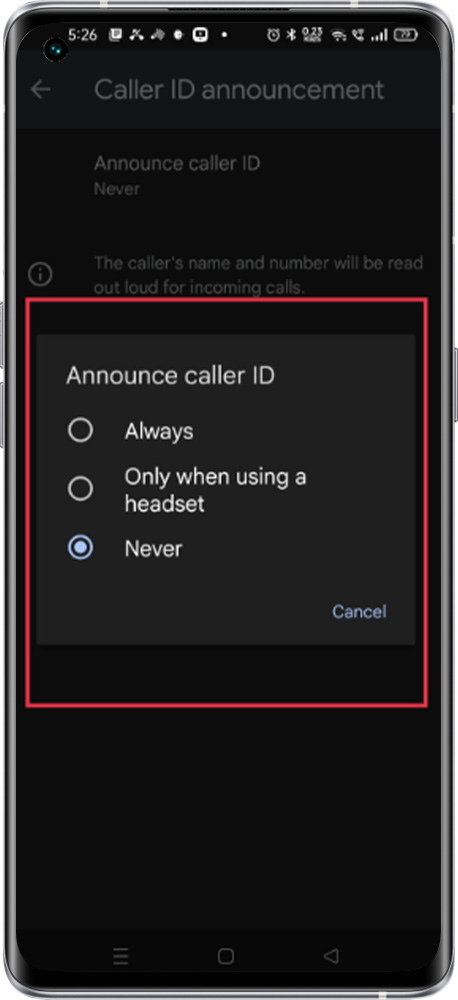
Always – This selection keeps announcing all the called id
Only when using a headset- It will keep the called id announcement while the handset is connected to the device (It help usually while we are driving to identify the caller)
Never – with this selection feature could be disabled