Learn about how to customize the profile image and ringtone.
Applicable to all realme smartphones.
If you are tired of the same ringtone or non-special profile image for different contacts, the following can help you make some changes to your preference.
Customize the Profile image and Ringtone.
Profile image: Click the Image on your homescreen, then select the contact, click edit to change the profile image.
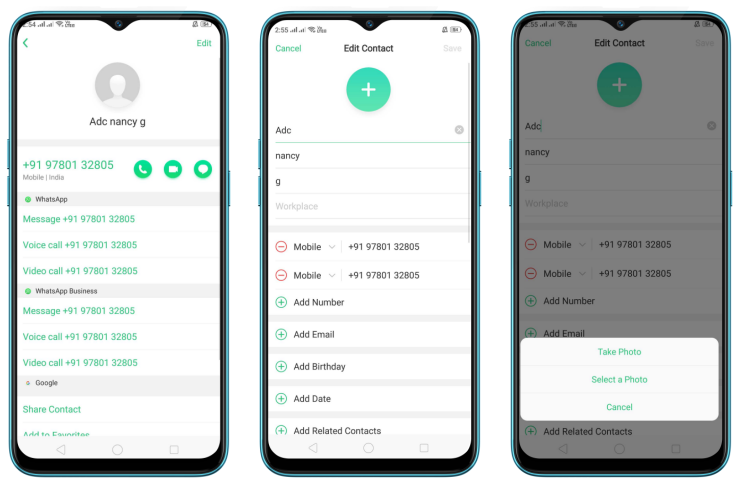
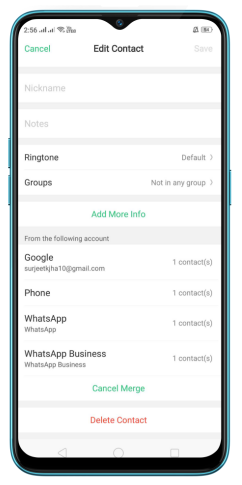
Ringtone: Slide down on the edit contact page and click [Ringtone] to select your preferred Ringtone.
* Pictures, settings, and paths might differ from those of your phone, but that does not affect the description in this article.