There could be several reasons for the full-screen mode while taking photos.
Setting method:
For realme UI 7.0 & 6.0 & 5.0 & 4.0: Go to the Home screen and open Camera > Click the three dots at the top of the screen > Click Full > Now the camera is in full screen mode.
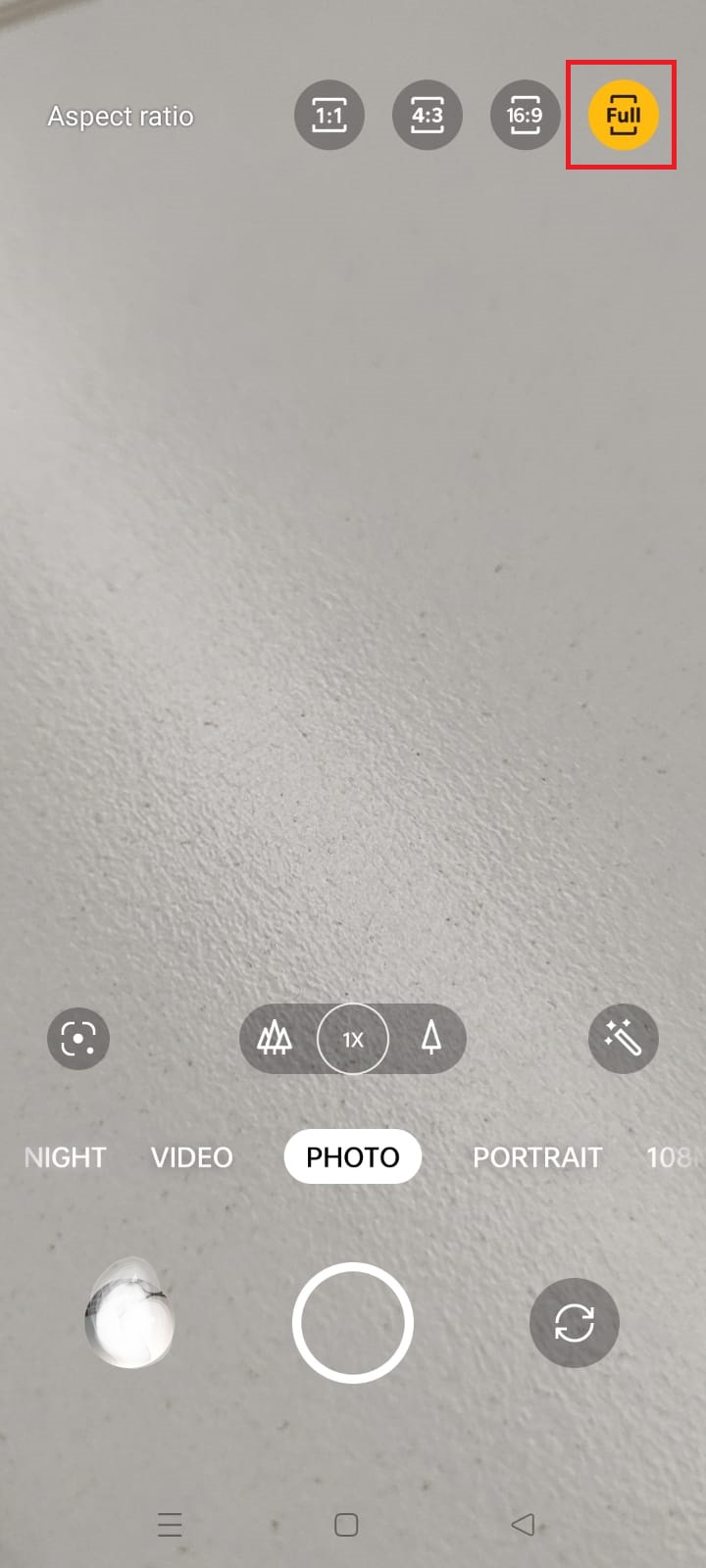
realme UI 3.0: Go to the Home screen and open Camera > Click [16:9] at the top of the screen > Click Full > The camera is now in full-screen mode.
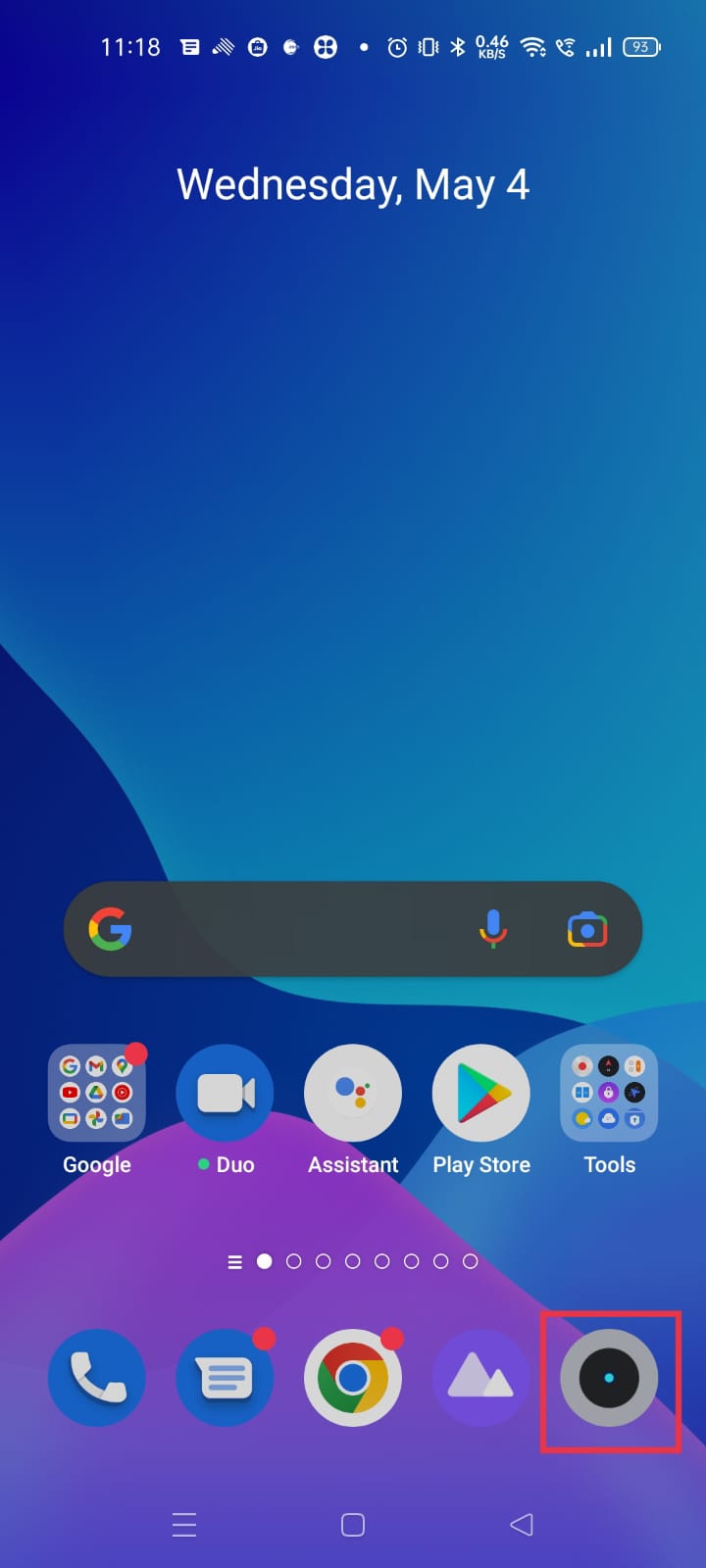
![Click [16:9] at the top of the screen](https://gkm-cdn.myoppo.com/254424072fb94153889feade0f21c9db?response-content-disposition=attachment%3Bfilename%2A%3DUTF-8%27%27camera3.1vv.jpeg&AWSAccessKeyId=AKIAV5GZBTXQCVSTH4LI&Expires=1767062882&Signature=D6Dm3NZkGQhjryE3ylaLmEp2894%3D)
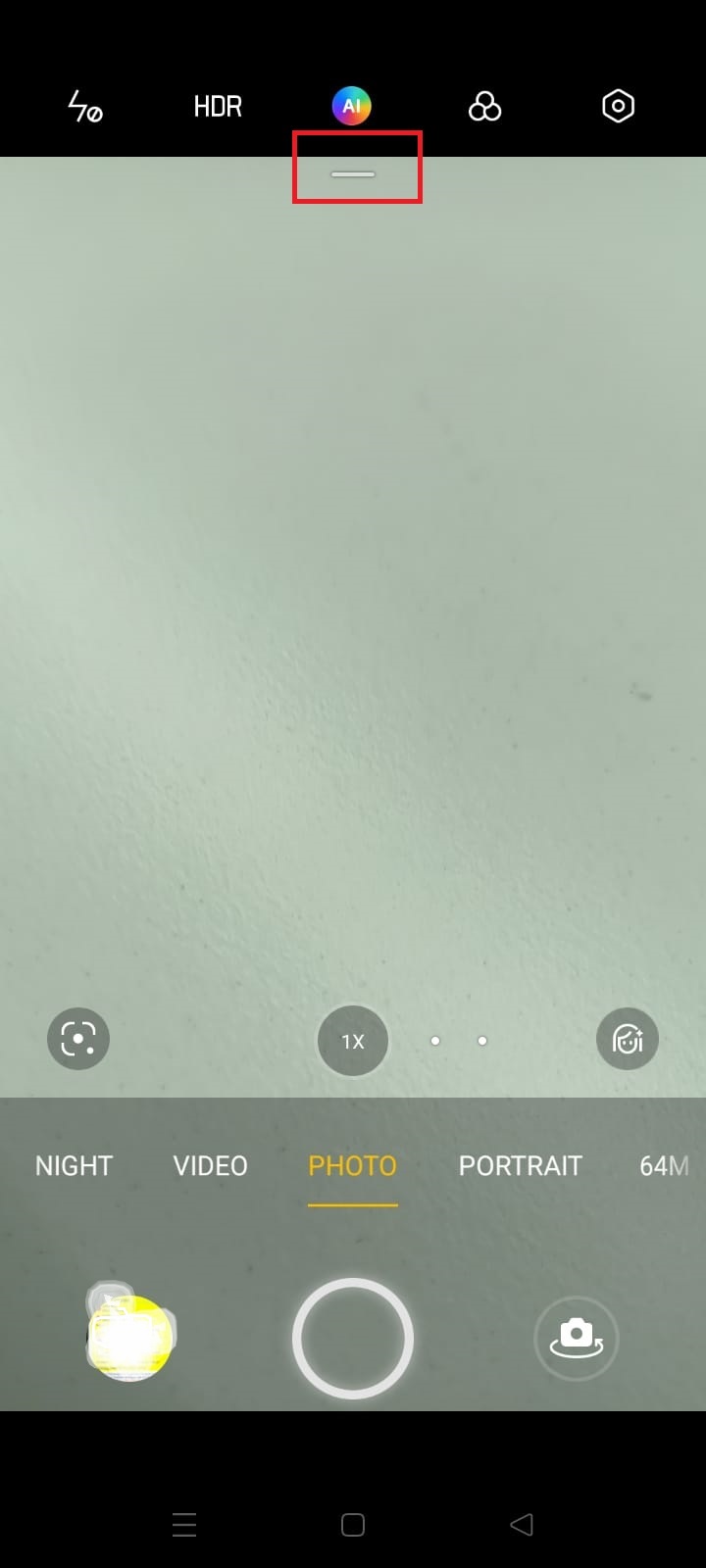
realme UI 2.0: Go to the home screen and open Camera > Swipe down the line bar at the top of the screen > Click Full > The camera is now in full screen mode.
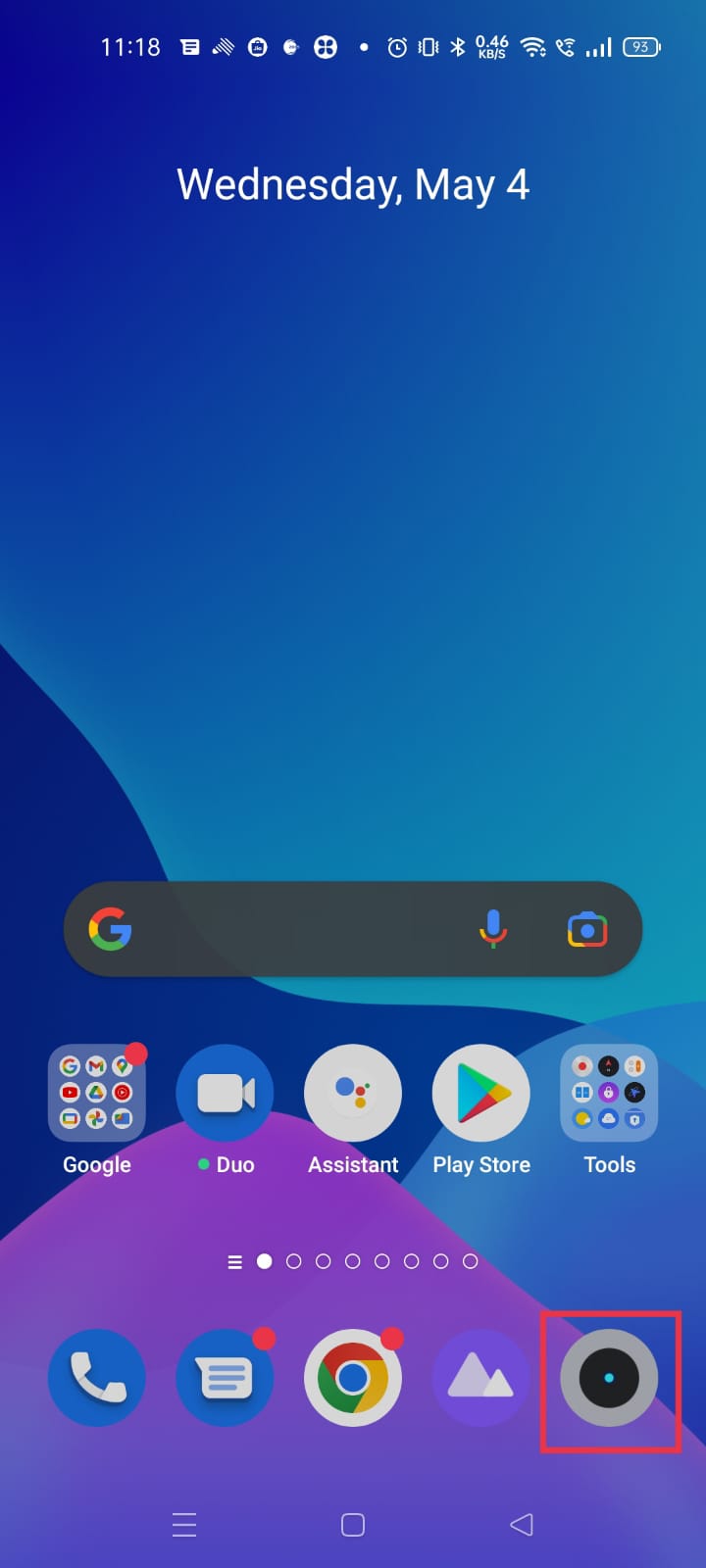
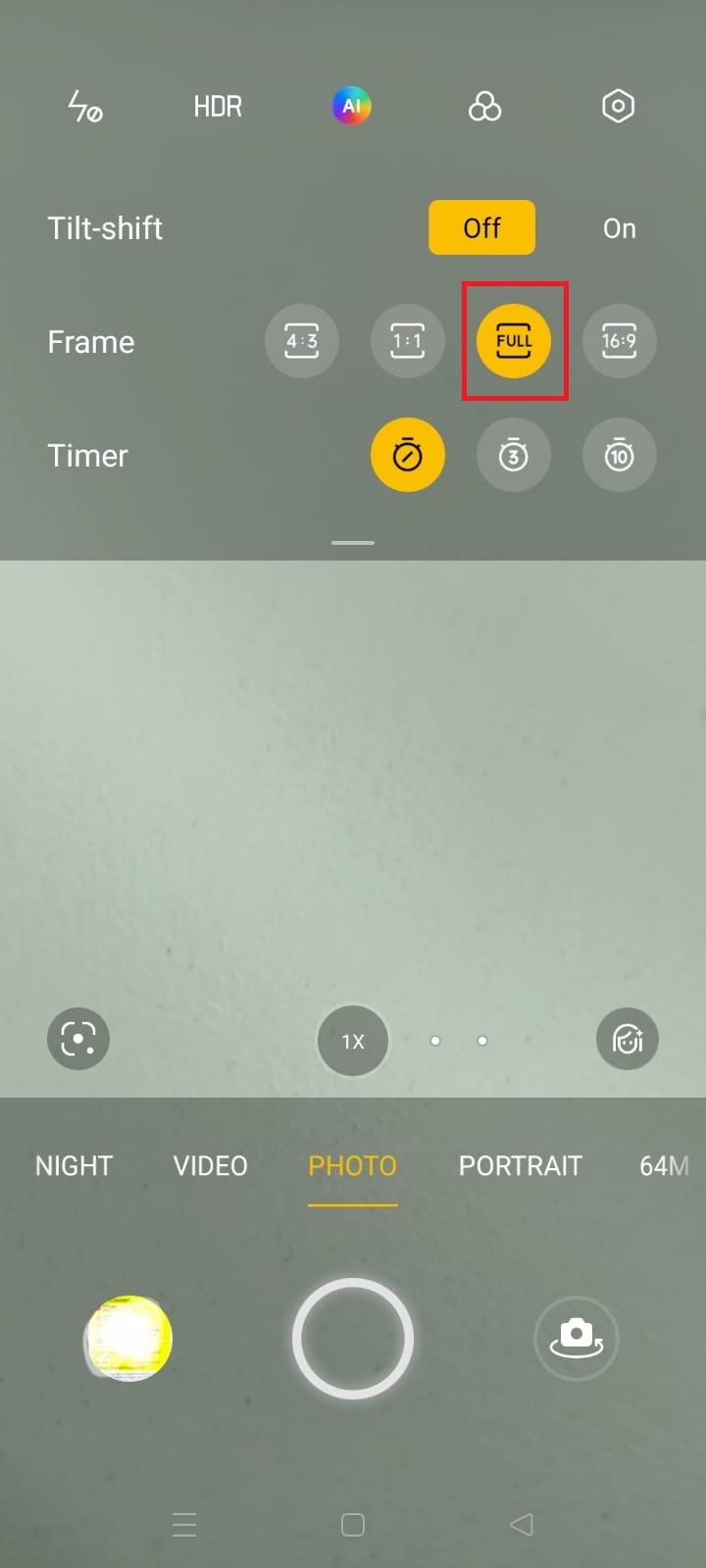
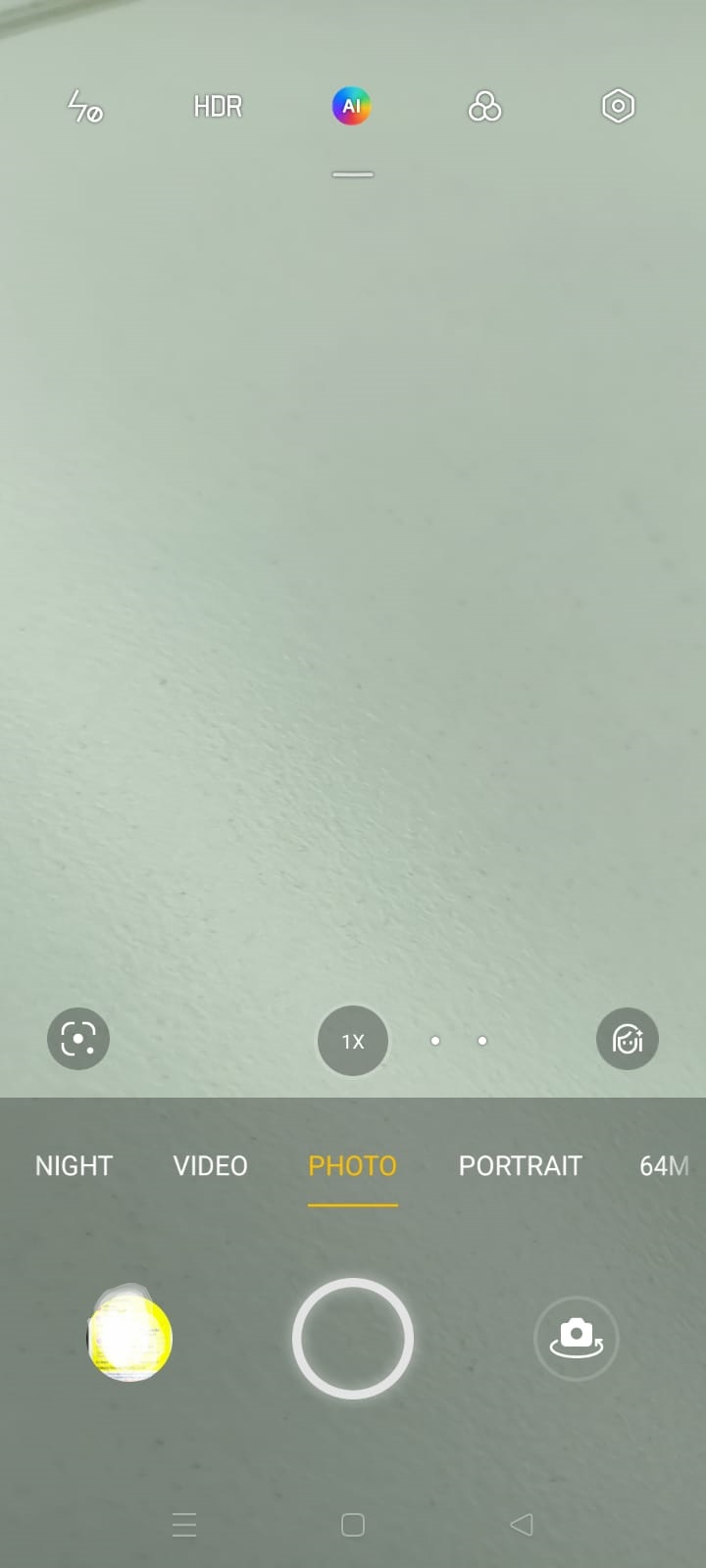
realme UI U Edition: Go to the Home screen and open Camera > Click on three dots on the top of the screen > Click on the Full > Now the camera is on full screen mode
realme UI T & R & S & Go Edition: Not supported
Note: On Video Recording Full screen display feature will not work.