After enabling notification history, you can view historical notifications and delayed notifications.
Setting method:
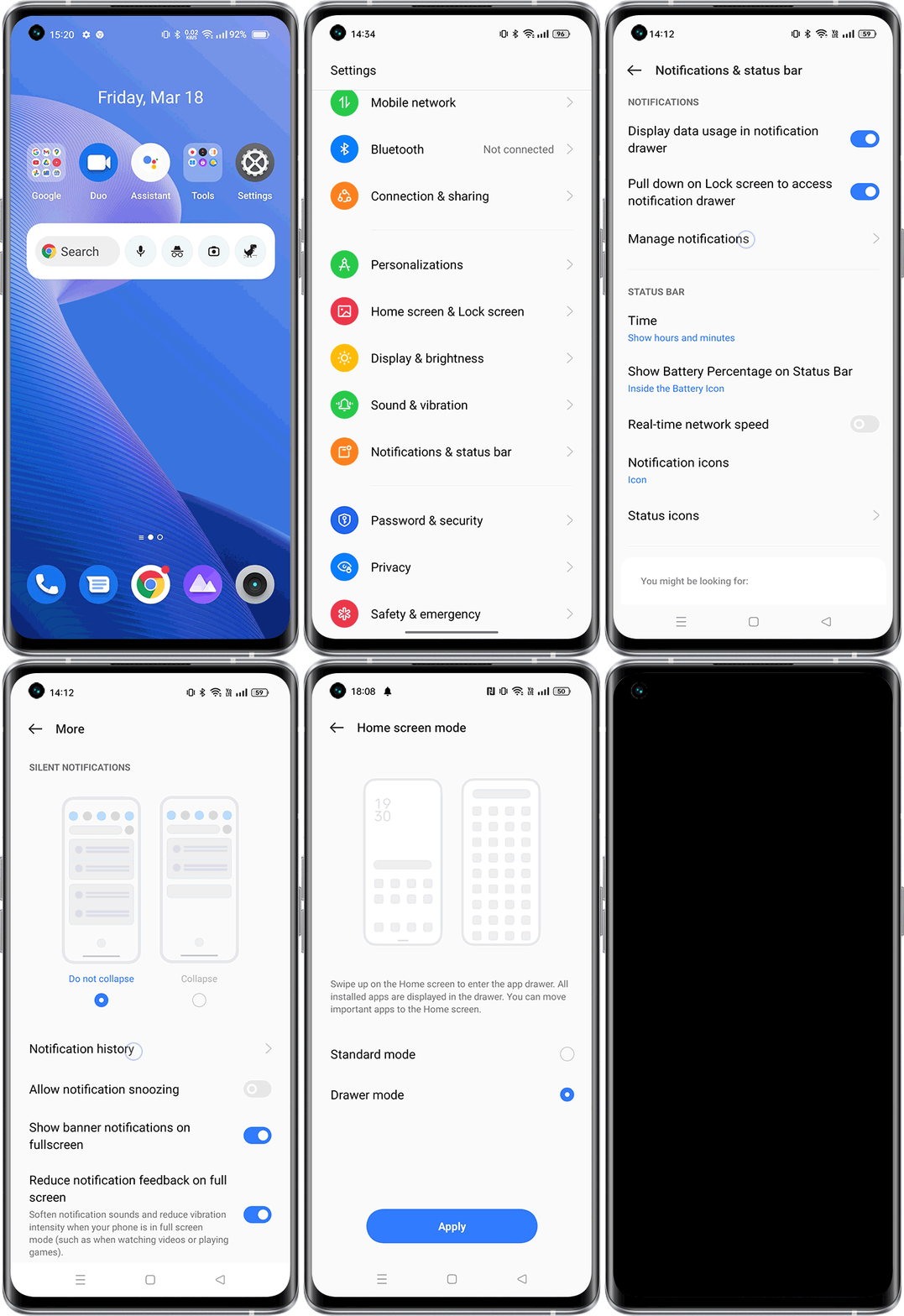
realme UI 3.0 & above versions: Settings > Notification & Status Bar / Notifications & Quick Settings > More Settings > Notification History > Open Notification History.
realme UI 2.0: Settings > Notification & Status Bar > Manage notifications > More Settings > Notification History > Open Notification History.
realme UI T & R & U edition: Settings >Apps & Notification/Notifications > Notification History
realme UI S & Go edition: not support
Note: This function is only supported by realme UI 2.0 and above version.