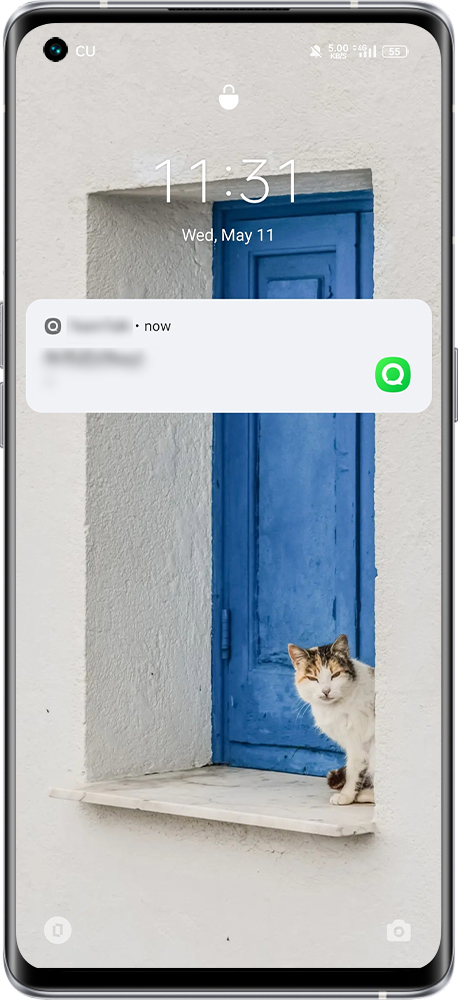
After turning on the lock screen to notify you when the screen is turned on and when you receive a notification, the phone will remind you to turn on the screen. The notification content is displayed in conjunction with the lock screen notification, and you can see the notification information for the first time.
Setting method:
realme UI 3.0 & above versions: Settings > Notifications & Status Bar/ Notifications & Quick Settings > Lock Screen Notifications > Wake screen when a notification is received.
realme UI 2.0: Settings > Notifications & Status Bar > Manage notifications > More > Wake screen when a notification is received.
realme UI 1.0: Settings > Notifications & Status Bar > Wake screen when a notification is received.
realme UI R & Go & S & T & U Edition: Not supported
Note: The setting method for some realme UI 3.0 models: Settings > Notifications & Status Bar > Manage notifications > More > Wake screen when a notification is received.