realmeparts

How to solve realme laptop display malfunction

8,525 views
6 likes
Official Source
laptop

Problem phenomenon:

Bright spots, patches, or lines appear on the screen


Problem causes:

1. The graphics card driver files are damaged

2. Display hardware damage


Solution:

1. Reinstall the graphics driver

Go to the realme official website to download the corresponding

Link: https://www.realme.com/in/support/software-update
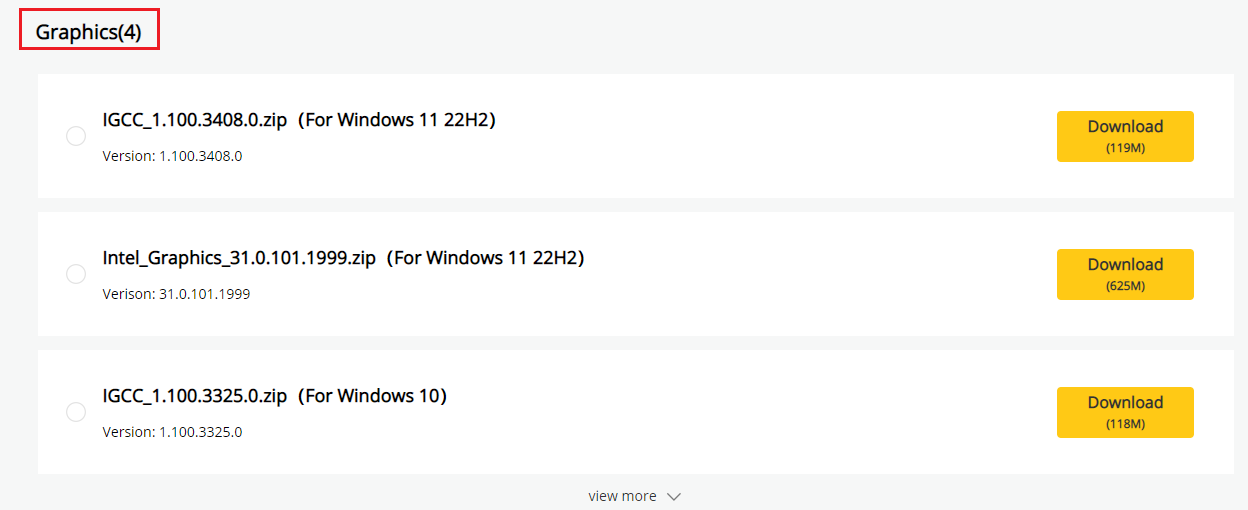
 realme laptop display malfunction

2. Go to service center for testing

After the above steps, the laptop display still has a problem. Please go to the service center to detect whether it is a hardware problem with the display.


Article Reference

Official Realme documented guide #2132024

View on realme.com

Related Topics

#realme laptop display problems#realme laptop screen flickering#realme laptop black screen#fix realme laptop display#realme laptop display malfunction

Was this article helpful?

Your feedback helps us improve our support content.

Still need help?

Explore more articles or contact our customer support team for personlized assistance.

Visit Support Hub