Introduction:
The AI scene enhancement function will make your photos more vivid, but different from simple saturation changes and filter effects.
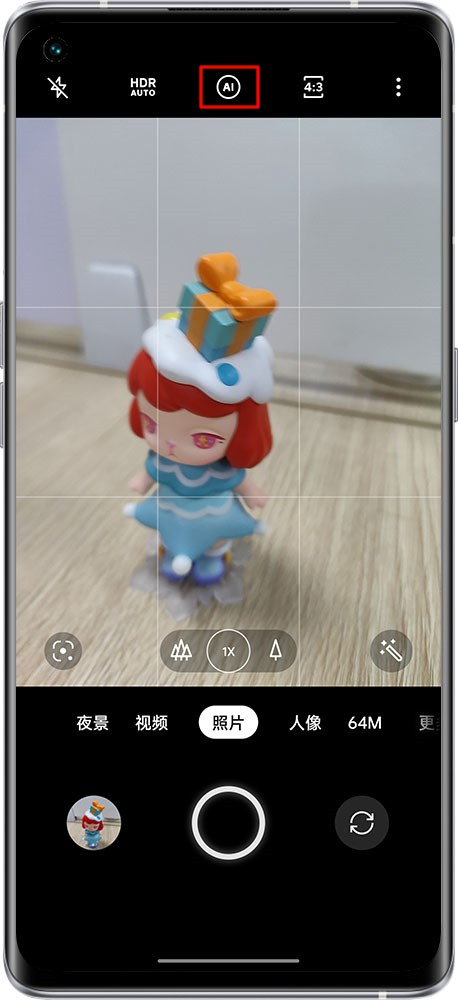
The AI scene enhancement function will adjust for pixels, and after recognizing the scene, it will optimize the color of the photo in the scene. Click the button at the top of the photo interface to enable it.
realme UI 3.0 adds AI video enhancement
You can choose to turn on the AI video enhancement function when shooting backlit or night scene videos, which can improve the dynamic contrast of the video screen.
Besides, the video color will also have better performance, so as to obtain a better shooting effect.
Operation method:
realme UI 5.0 (Upgrading from 4.0 to 5.0) & 4.0 & 3.0 & 2.0: Camera > Click AI on the top to open AI video enhancement.
realme UI 1.0 & S & T & R & Go & U Edition: Not supported
*Models with factory version realme UI 5.0 & 6.0 & 7.0 do not support this function. But, realme has optimized the photo effect, without AI, the picture is still colorful.