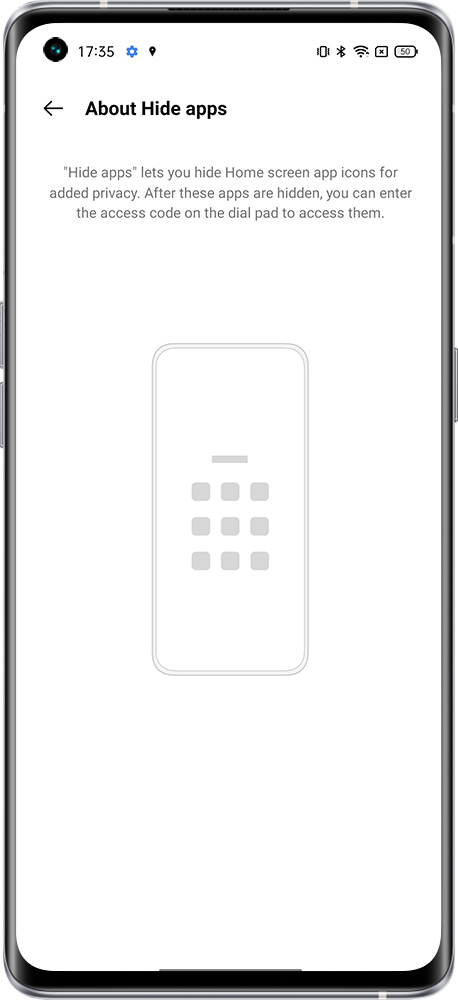
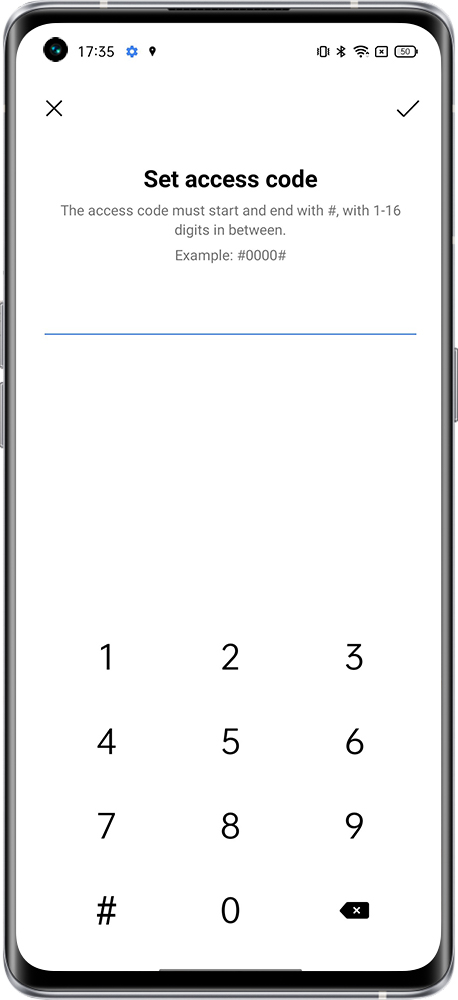
When setting up a hide app, we need to set an access code first.
realme UI 2.0 & above versions: Settings > Search "Hide Apps" in the search bar > Hide Apps > Set privacy password/ Change Access Number.
realme UI 1.0: Settings > Fingerprint, Face & Passcode > Privacy Password > App lock > Select App and hide the icon.
realme UI R & S & T & Go & U Edition: Not supported
Then we can enter the access code in the dial pad to see the hide apps.
Note:
Some special applications cannot be hidden, such as dialing.
You may not find the unhide apps on home screen if the drawer mode is enabled.
Related Articles:
Hidden apps appear when unlocking phone
Phone heating when using system apps