After turning on Smart rapid charging, when using the original high-power charging set, the system will intelligently identify the scene that requires fast charging and increase the charging speed (the temperature will increase slightly during the charging process).
Settings:
realme UI 7.0 & 6.0: Settings > Battery > Charging settings > Smart rapid Charging
realme UI 5.0 & 4.0: Settings > Battery > Smart rapid Charging.
Note: Only some models support this function. Please refer to your actual experience.
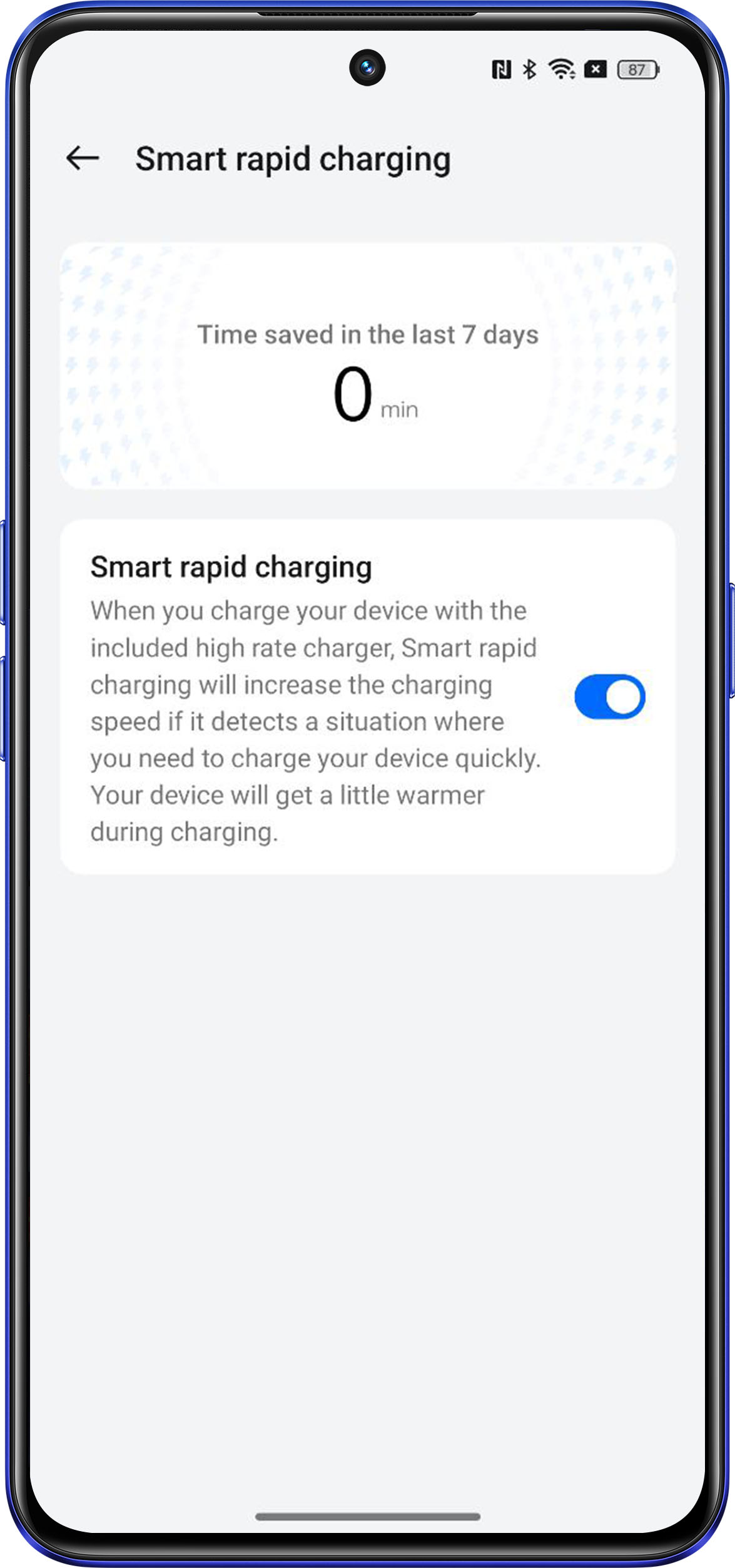
Valid scenarios of Time saved in the last 7 days:
1. The temperature of the mobile while charging is over 38 ℃ with the screen turned off.
2. When the temperature of the mobile is below 41 ℃ and the screen is turned on for fast charging, some applications will take effect.(Such as Tiktok, Whatsapp etc...)
3. When the mobile enters the smart rapid charging mode, the time in the smart rapid charging state will be recorded. The smart rapid charging time is not calculated in real time and may take 1-2 days to update.
Invalid scenarios of Time saved in the last 7 days:
1. Charge the phone with screen off, and the temperature of the phone is lower than 38 ℃.
2. Charge the phone with screen on and use non-configured smart rapid charging applications.
3. Charge the phone with screen on and use configured smart rapid charging applications, the temperature of the phone exceeds 41 ℃.