*Due to the different privacy policies of different areas, some phones do not support call recording.
How to use the Call Recording feature in Google Dialer?
Call recording is an option for recording voice conversations over an audio source. Recordings can be made of active calls or conference calls that are then stored as digital files to be transcribed or listened to at a later time.
Setting path:
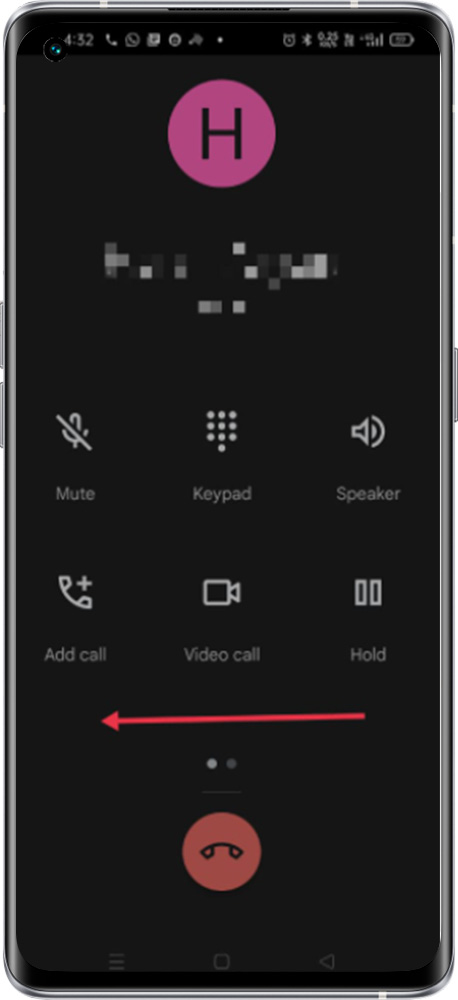
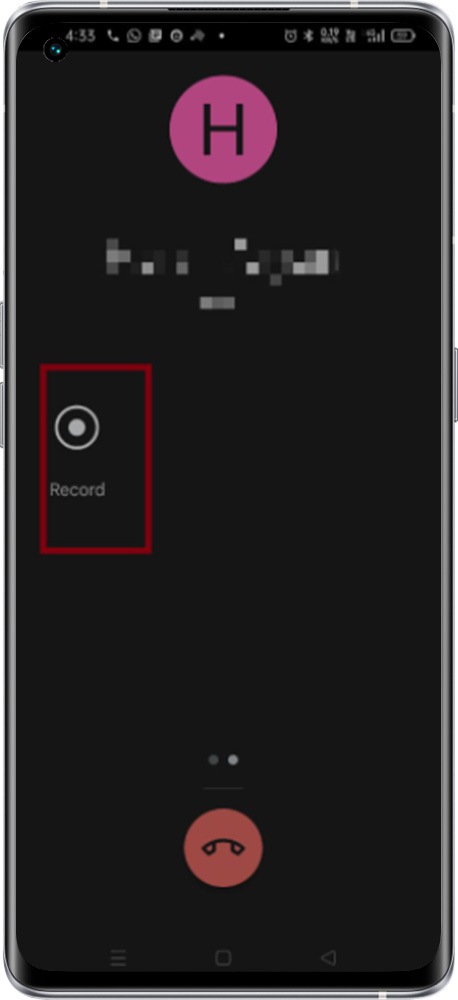
In Google Dialer Call record option is available on the next screen while on a call. Swipe left the screen to see the Call record option in the Dialer.
In Google Dialer Swipe Left > and Click on the Record to record the call > Receiver and caller both will hear an alert of voice recording
While Call recording starts – This call is now being recorded
While Call recording is stopped by the user – Call Recording has now ended