1. Definition of Lock Screen Magazine:
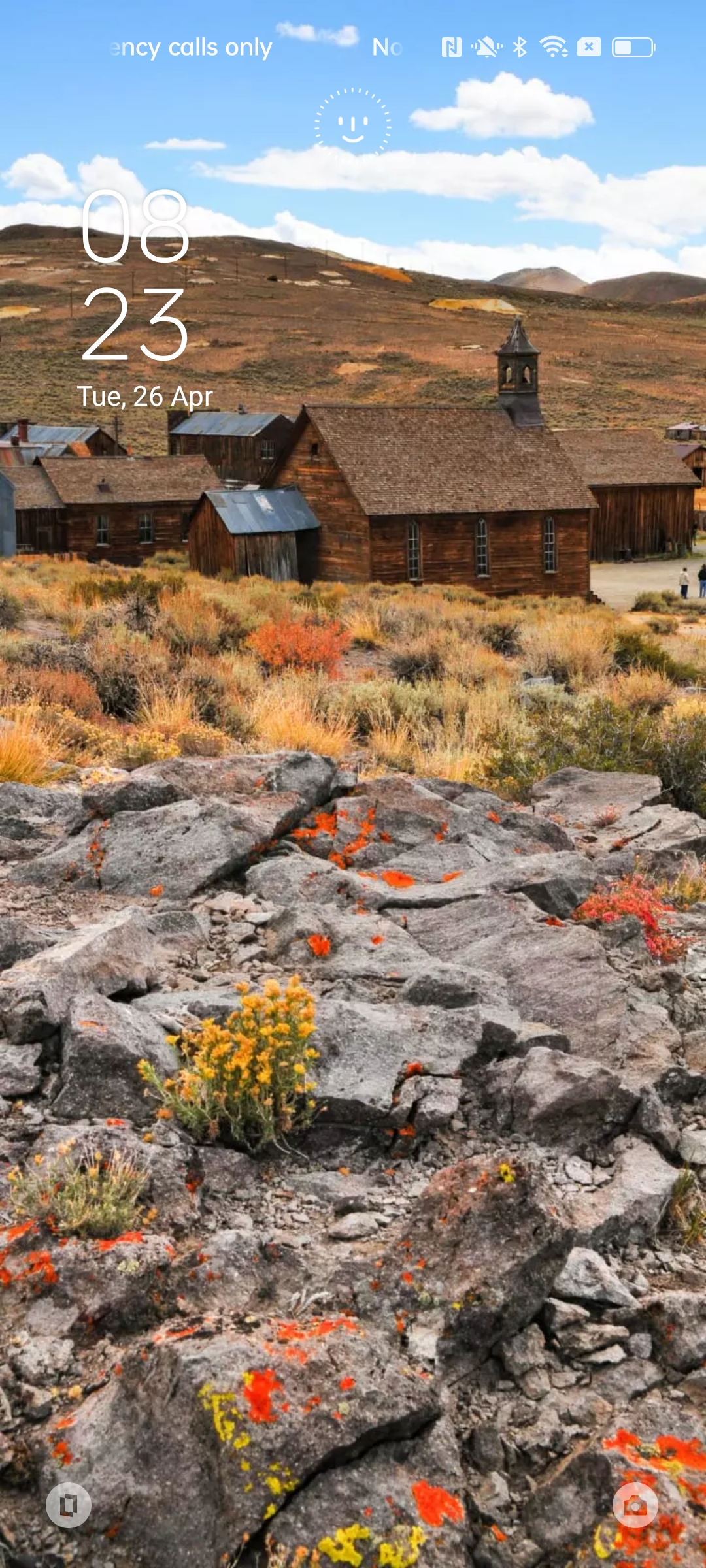
Keep changing the wallpapers on lock screen as each time you turn on the lock screen.


2. Release regions & Install method:
2.1. Regions: Except Azerbaijan, Armenia, Belarus, Kazakhstan, Kyrgyzstan, Moldova, Tajikistan, Uzbekistan, Ukraine, Turkmenistan, Brazil, United States, Canada. Lock Screen Magazine is preinstalled onrealme devices, or users can download Lock Screen Magazine via App Market/Google Play.
2.2. Install method:
India/Indonesia/Malaysia/Thailand/Philippines/Vietnam/Taiwan: Lock Screen Magazine will be preinstalled; it can also be installed/updated via App Market.
Europe regions: Lock Screen Magazine will be preinstalled from realme UI 3.0. For now it is not supported to install Lock Screen Magazine from Google Play.
Other release regions: users can install/update Lock Screen Magazine via Google Play.
3. Path & Functions:
[Settings -- Home screen & Lock screen -- Lock Screen Magazine]
PS: You can access Lock Screen Magazine directly in V9.0/8.0/7.0 Theme Store, but note Theme Store is only available in some regions. [ Settings -- Home screen & Lock screen ] is the best way to access Lock Screen Magazine.
4. Common function & path
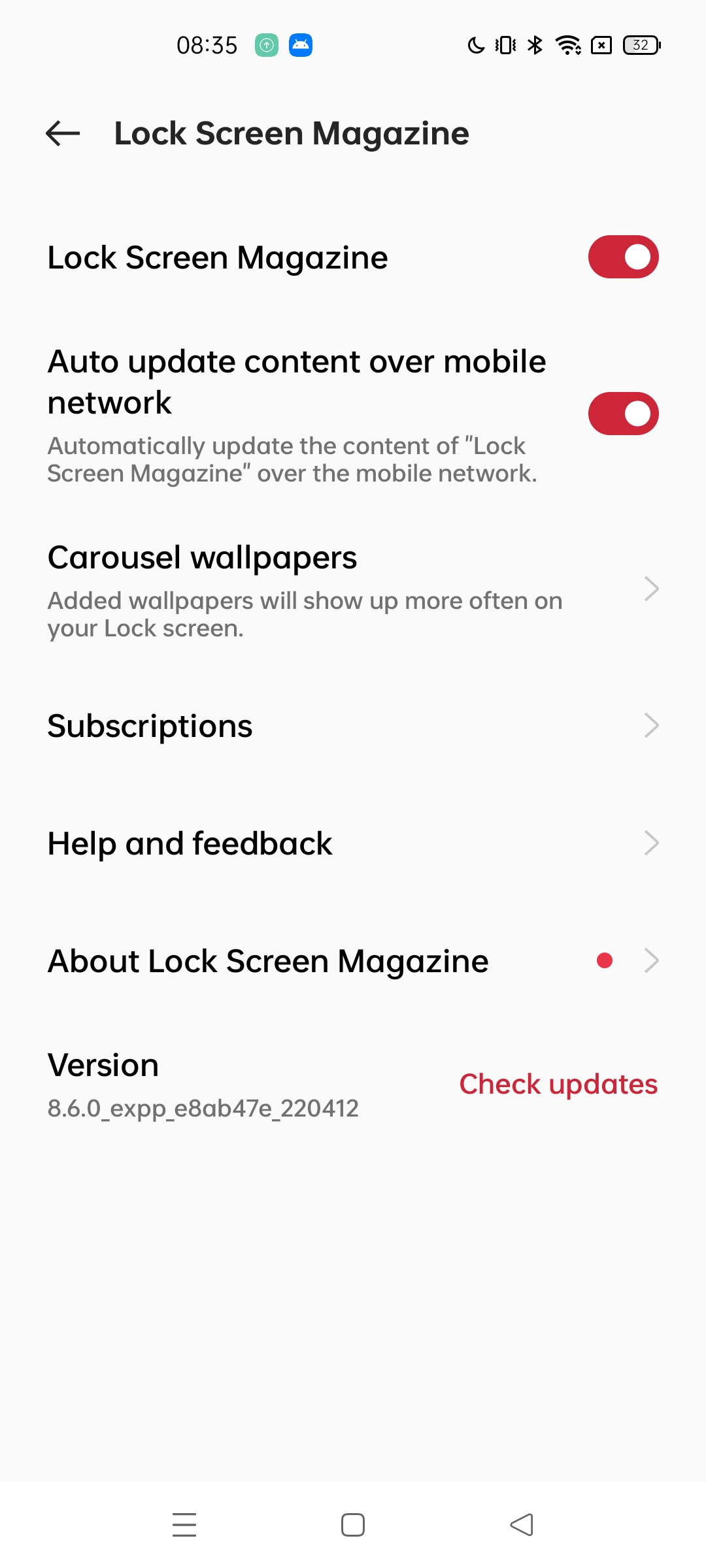
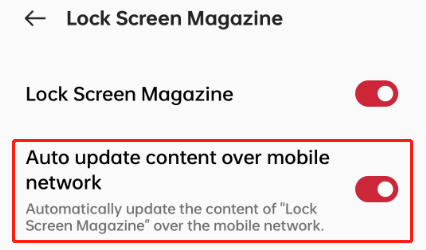
4.1. Lock Screen Magazine: After selection, lock screen wallpapers will keep changing as turn lock screen on each time with Wi-Fi.
4.2. Auto update content over mobile network: Automatically update the content of "Lock Screen Magazine" over the mobile network.
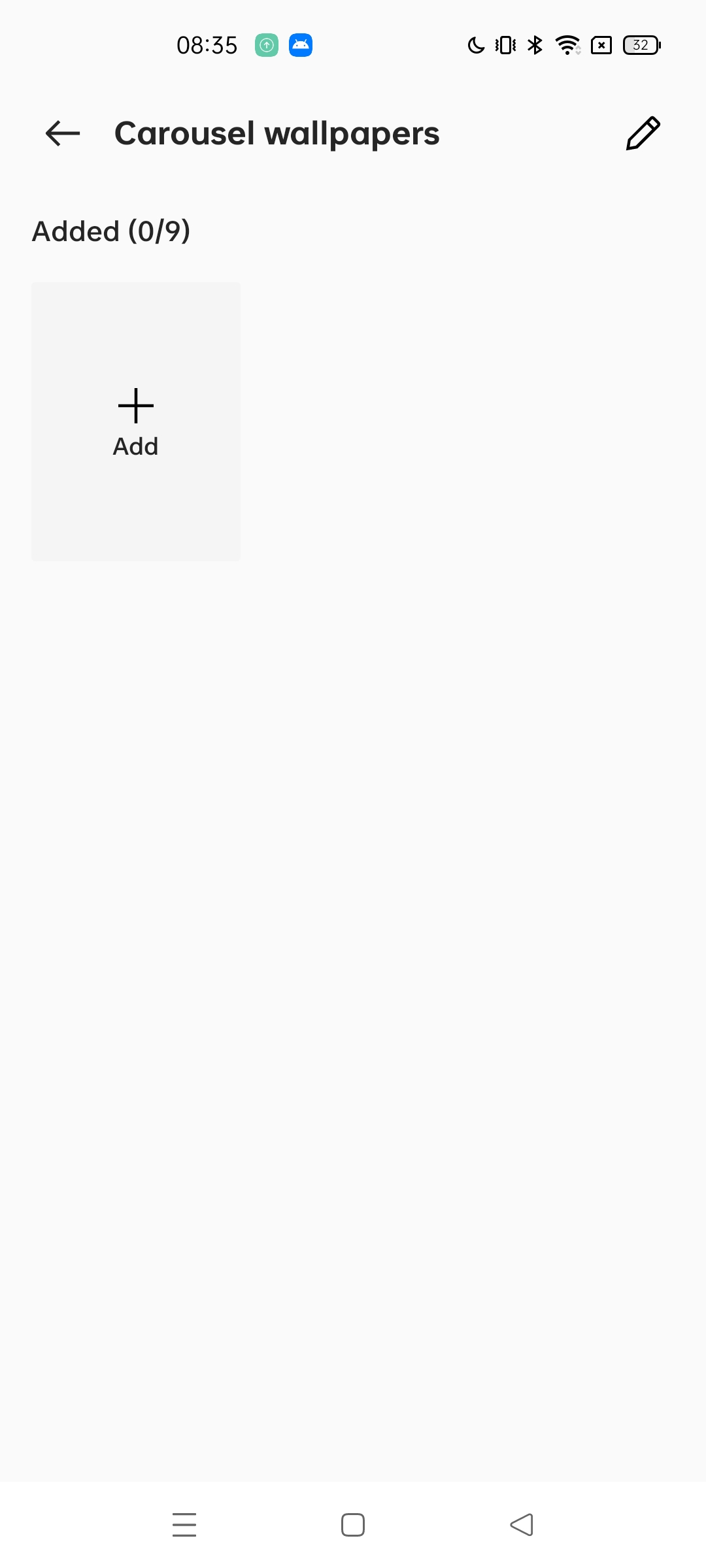
4.3. Carousel wallpapers: Added wallpapers will show up more often on your lock screen(This function is supported from V8.6.0 Lock Screen Magazine).
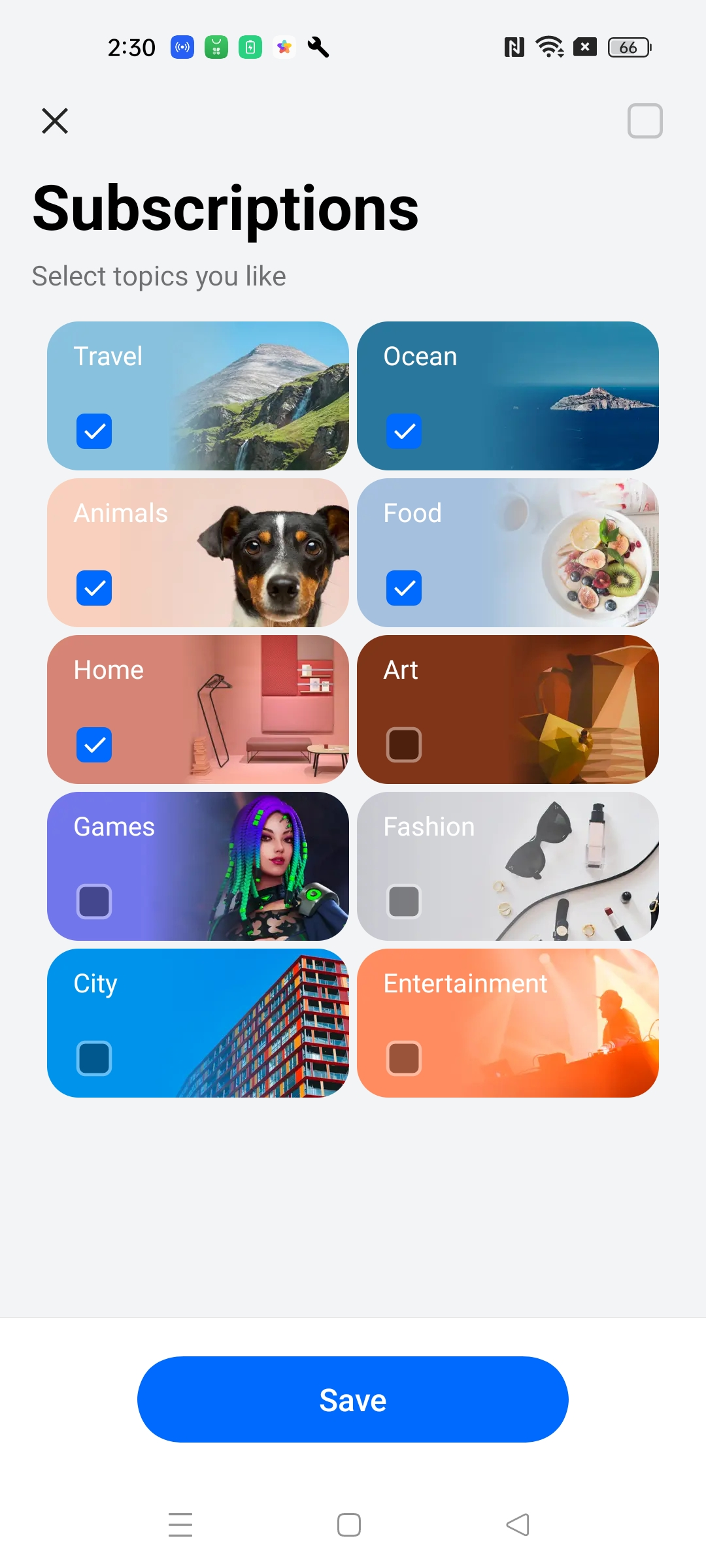
4.4. Subscription: provide 10 types of Lock Screen wallpapers (This function is supported from V8.5.0 Lock Screen Magazine);
4.5. About Lock Screen Magazine: User Agreement and Privacy Notice;
4.6. Version: Lock Screen Magazine version, you can also update Lock Screen Magazine in this path(In Europe regions, the first version is V9.0.0 ).
5. Lock Screen Magazine doesn't work./Wallpaper is not changing after I set Lock Screen Magazine.
Troubleshooting step:
① Set the default theme via path【Settings-Personalizations】.
② Setting wallpaper and using third-party theme application, may affect Lock Screen Magazine, it`s better to disable them.
③ Reset Lock Screen Magazine and "Auto update content over mobile network" are turned on.
If the issue still cannot be solved, please contact realme customer service.
6. Common issues summary
Q: I don`t like the screen wallpaper, how to disable Lock Screen Magazine?
A: You can disable Lock Screen Magazine via [ Settings -- Home screen & Lock screen -- Lock Screen Magazine ] .
Q: Why Heytap pictorial installed without my permission?
A: Heytap pictorial is Lock Screen Magazine, it is realme Inbuilt feature, you can disable it via [ Settings -- Home screen & Lock screen -- Lock Screen Magazine ] if you don't like it.
Q: Why can't I automatically changing wallpapers on lock screen?
A: After selection, lock screen wallpapers will keep changing as turn lock screen on each time with Wi-Fi. If you want to keep changing all the time, you also need to choose "Auto update content over mobile network".
Q: How to update Lock Screen Magazine?
A: Generally speaking,User can update via path [ Settings -- Home screen&Lock screen -- Lock Screen Magazine -- version ].
Q: Can I upload my pictures to Lock Screen Magazine?
A: From V8.6.0 Lock Screen Magazine, it is supported to upload personal pictures to Lock Screen Magazine.
Q: Why can`t I find Lock Screen Magazine on home screen?
A: There is no independent icon of Lock Screen Magazine; you can access it via path [ Settings -- Home screen&Lock screen -- Lock Screen Magazine ].
Q: Why can`t I find Lock Screen Magazine in Theme Store?
A: We suggest you access via path [ Settings -- Home screen&Lock screen -- Lock Screen Magazine ].
Q: How to prevent some lock screen topic in the subscription from being displayed?
A: You can reduce the frequency of occurrence by not selecting. Selecting it will only increase the display frequency, and not selecting it will not increase the display frequency. Everything will still be pushed. It is impossible to 100% only display this, or 100% not to display this