Problem phenomenon:
When right-clicking on the blank space on the desktop and clicking New, the computer freezes for a few seconds before the secondary menu appears, or when the mouse is moved to the new option, the mouse circles or a white screen appears.
Problem causes:
Microsoft’s system background automatically updates some patches or frequent default updates and upgrades of large-capacity preset applications, which will cause the computer to occasionally freeze, and will also affect the computer’s right-click menu function.
Solution:
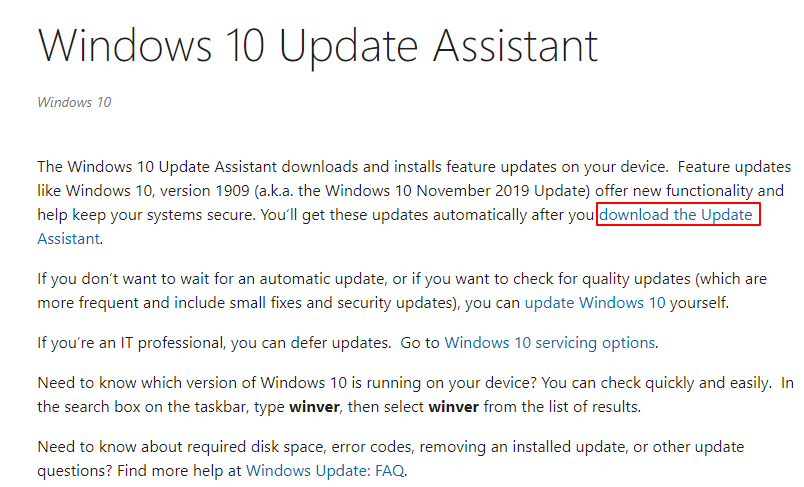
Method 1: Use the Microsoft Upgrade Tool to upgrade to the latest system version
Update assistant download address:
Method 2: Enter F8 to go to Safe Mode to Restore Factory Settings
Please back up your data in advance, long-press, or tap F8 to enter safe mode during the boot process, select Troubleshooting, and use the restore this computer function to restore the computer to its factory state.
Note:
1. The data in the C drive (including desktop files, downloads, documents, and other personal files) will be deleted when the system is restored to the factory, and the files in other drive letters will be retained. Please always back up the personal files in the C drive.
2. After the computer is factory reset, Office will not fail. Please enter the Microsoft account and password bound when activating Office for the first time, and complete the Office activation operation again.