Pulse Light can glow to remind me of every notification.
Supported models:
realme 15 Pro 5G, realme 15 5G, realme C71, realme 15x 5G
Setting path:
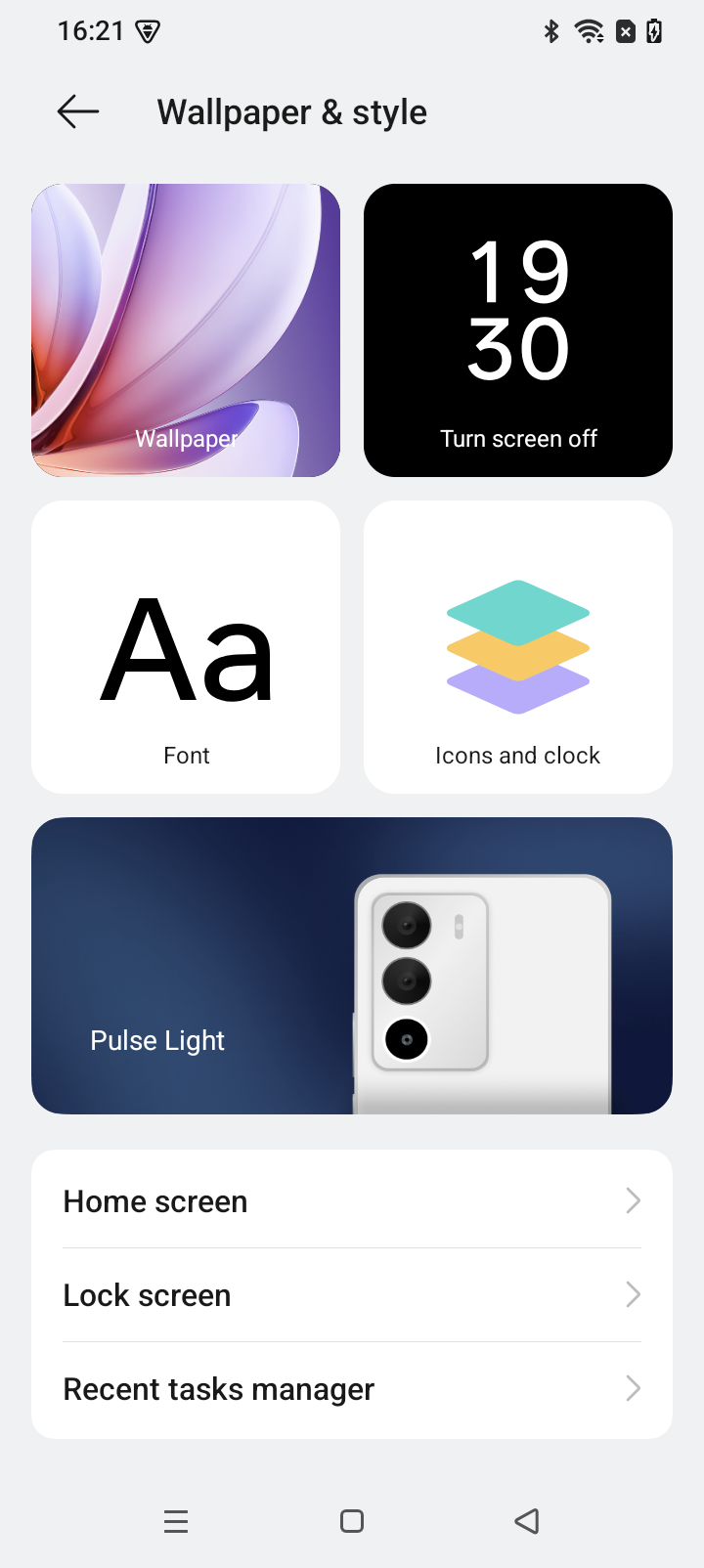
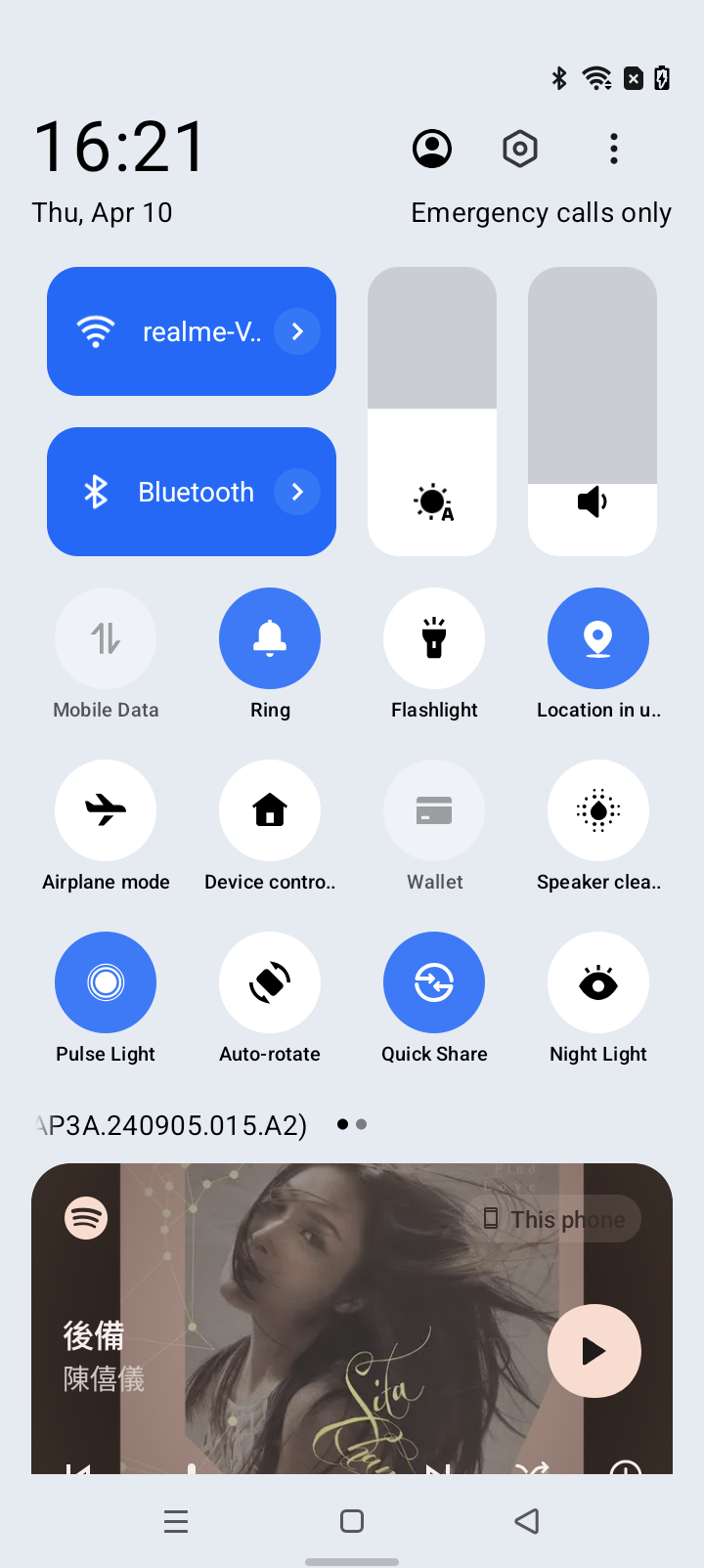
Settings > Wallpaper & Style > Pulse Light
Applicable scenarios:
1. Glows for message notifications: Glows with incoming calls, text messages, and app notifications.
Applicable scenarios: Notifications when you can't check the screen or when in silent mode
2. Glows while charging: Glows with battery level and power during charging.
Applicable scenarios: Charging
3. Glows with entertainment: Glows with photo countdown and music rhythm.
Applicable scenarios: When taking selfies with the rear camera and when playing music aloud.
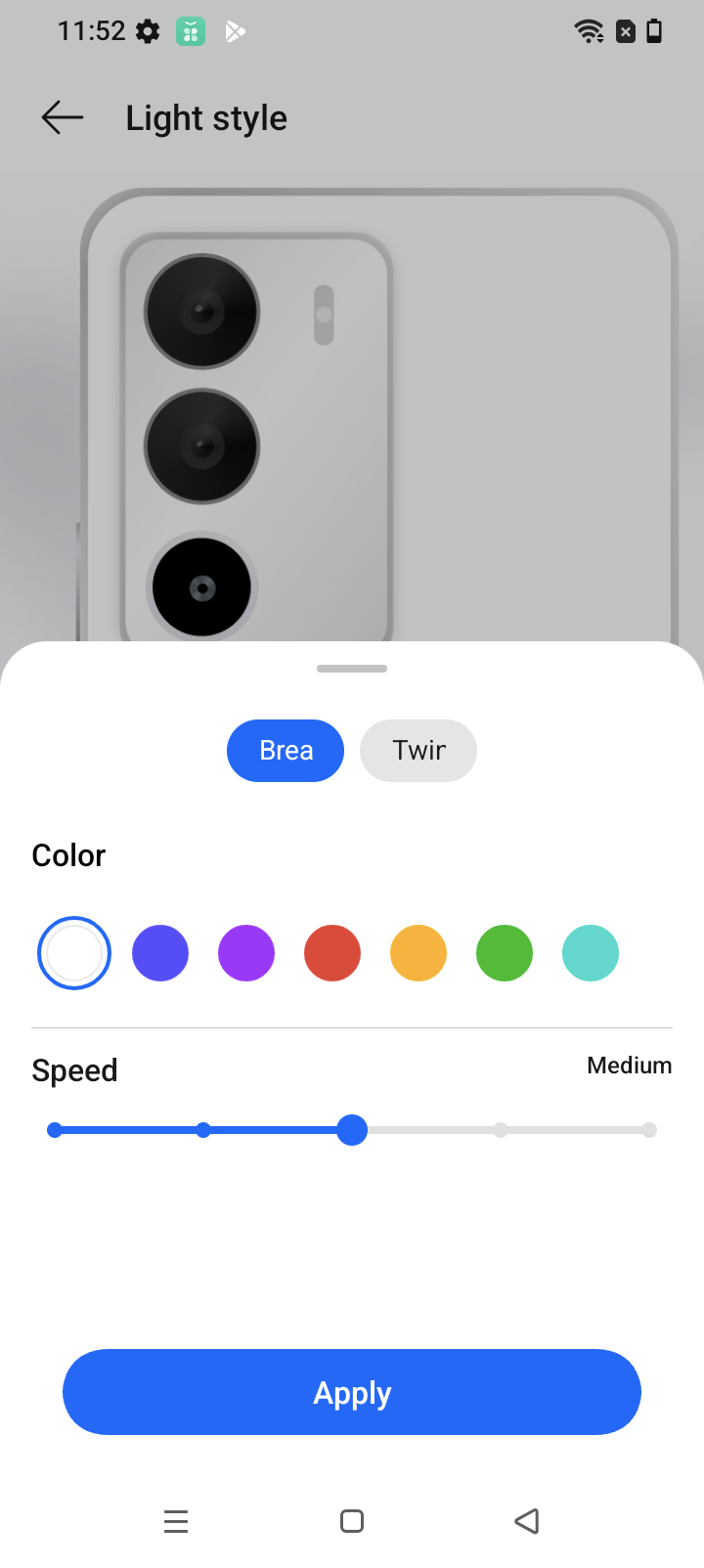
4. Customizable glows: Supports 7 colors and 5 customizable glowing modes.
Applicable scenarios: When personalizing the appearance of the mobile phone.
FAQs:
1. Why does the pulse light not light when playing music?
When the music volume is zero, the pulse light effect does not take effect.
2. Why does the pulse light not light when playing games?
The pulse light switch is in the menu of game assistant, and the opening path is as follows:
Game assistant > Pulse light > on/off
3. Why does the pulse light not light when the phone in the pocket?
In order to reduce power consumption, the pulse light design adds a smart extinguish function, that is, when the screen of the phone is placed flat up / the mobile phone is put down in the pocket, the light will not flash.