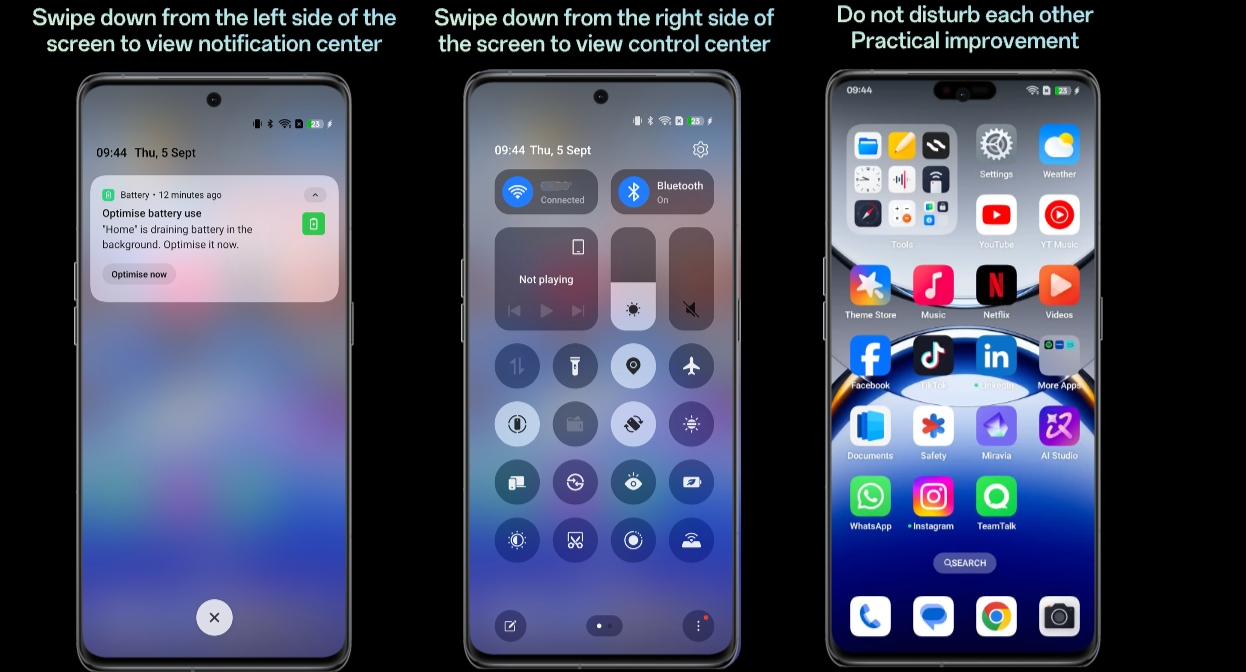
In view of the two different user habits of viewing notifications and quick controls, realme has redesigned the notification centre and control centre to separate them into different panels (pulling down from the top left to show the notification centre panel and pulling down from the top right to show the control centre panel).
As a result, users can enjoy a new, custom experience of pulling down from left or right, with functions clearly divided and the visual dynamic effects upgraded.
Path:
Settings > Notifications & Quick Settings > Quick Settings > Split