Feature Introduction:
1. New Editing Options:
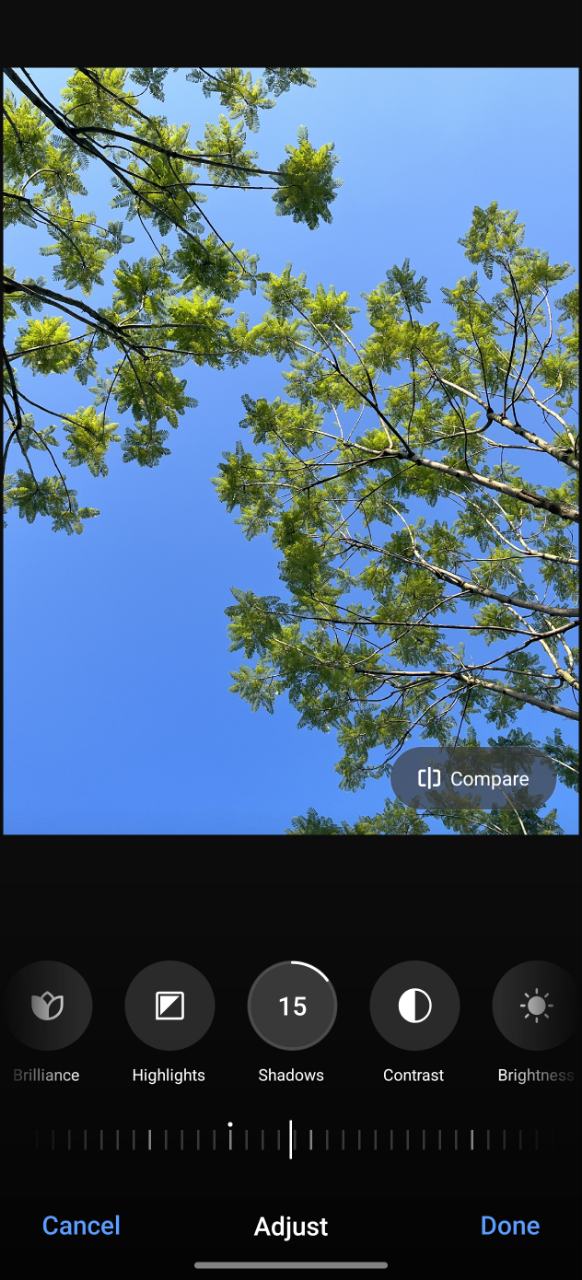
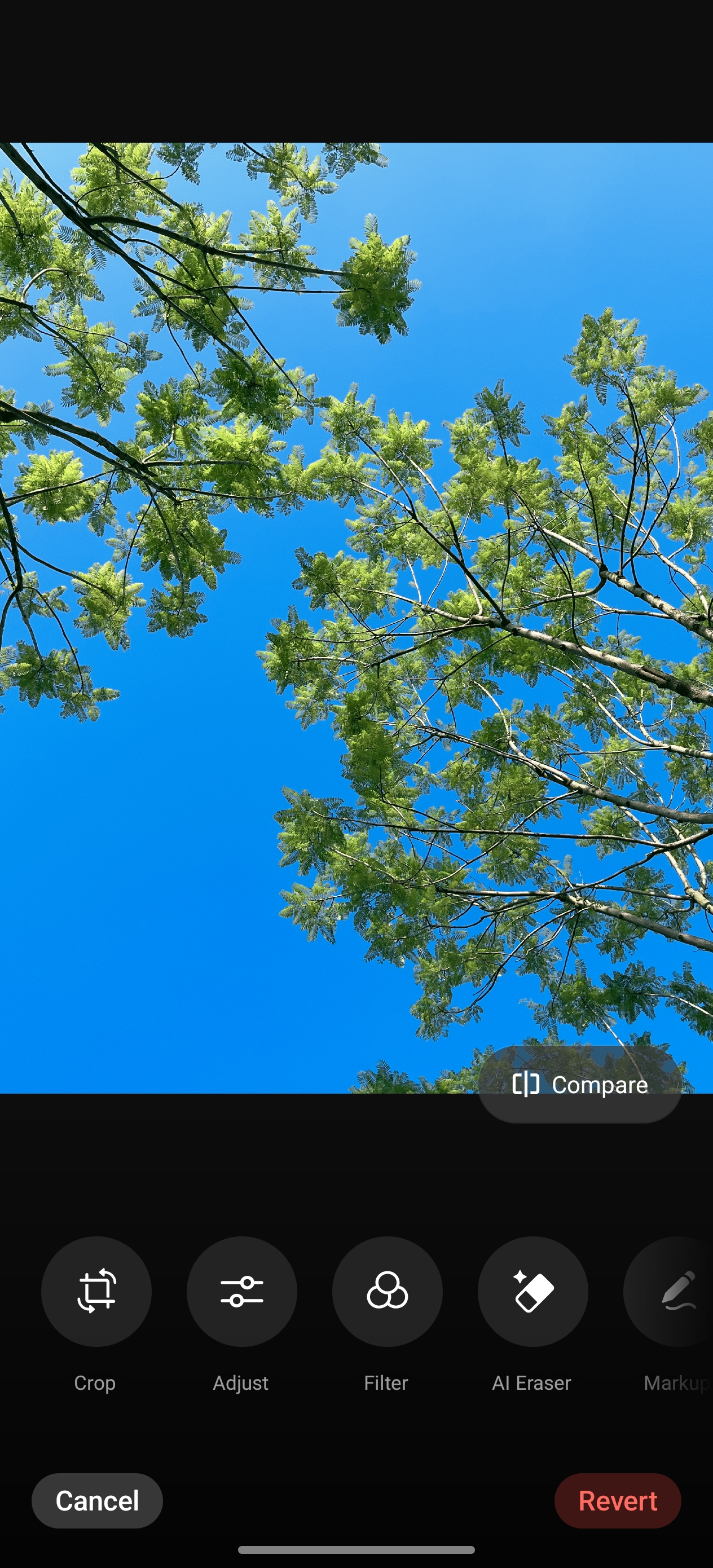
Introduces multiple new editing options and provides a rich variety of effects, allowing users greater freedom and professionalism in photo creation.
Optimization Direction:
Adds adjustments for natural saturation, noise reduction, and black point removal.
Editing adjustments will be automatically remembered during the process; previously adjusted items can be re-modified, and adjustments can be alternated between each other.
Editing items can be restored at any time, allowing users to re-edit photos as needed.
2. Unified Editing Effects:
Achieves consistent beautification effects.
3. Integrated Image Editing Effects:
Enables the consistent application of filter effects.
Usage Scenarios:
If you don't like the filter effect chosen during shooting, you can directly remove the filter effect in album editing, or replace it with another more suitable filter, ensuring the photo effect is not compromised by filter overlay.
Path: Photos > Open photo > Edit