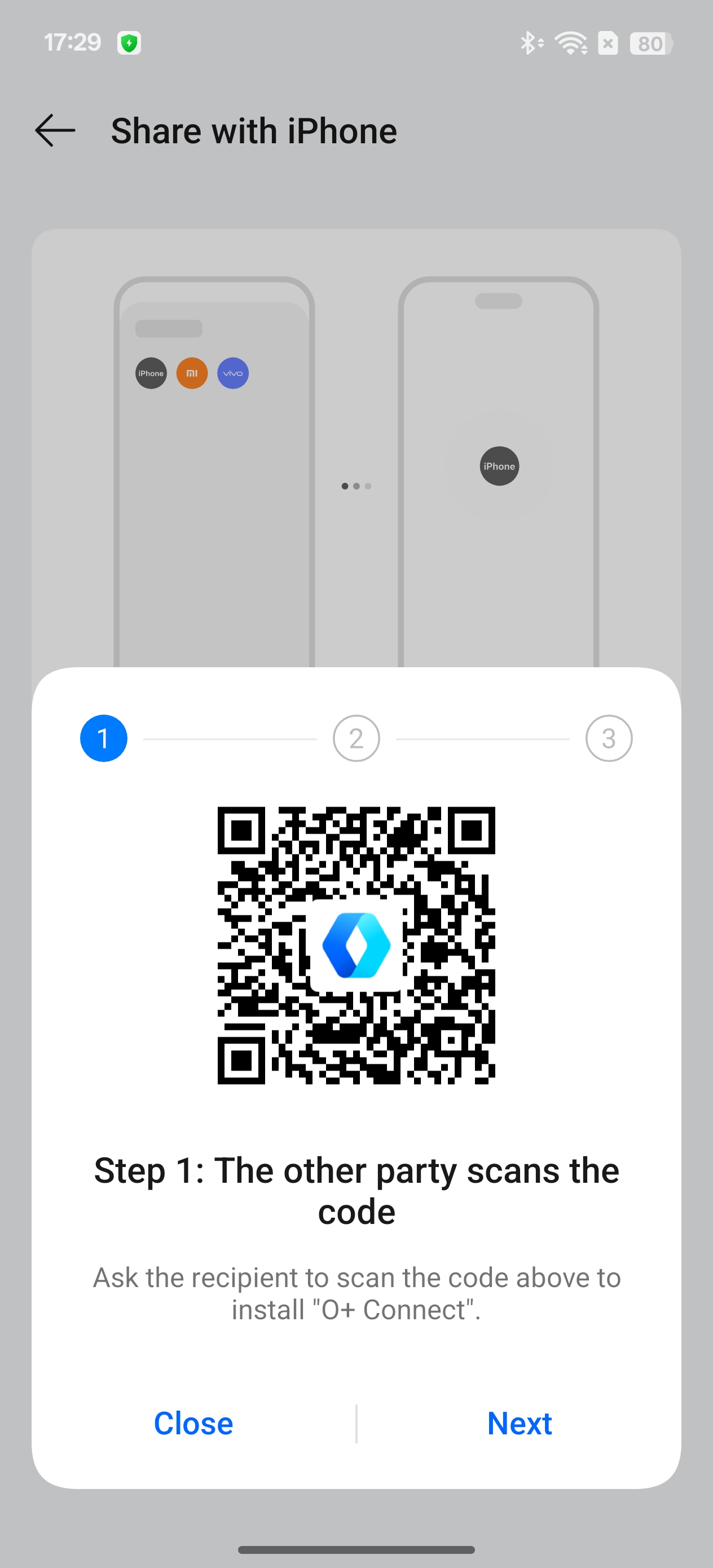
Feature Introduction:
Supports file transfer between realme devices and iPhone/iPad.
Path:
1. From realme device to iPhone/iPad:
Prerequisite: iPhone/iPad has "O+ Connect" installed and Bluetooth is enabled.
- On the realme device, go to “Settings > Connection & sharing > Share with iPhone”
- Select the picture or file.
- Tap "Share" and choose "Share with iPhone."
- Select the recognized device to send the file to.
- iPhone/iPad receives the file within the "O+ Connect" app.
2. From iPhone/iPad to realme device:
Prerequisite: iPhone/iPad has "O+ Connect" installed and Bluetooth is enabled. "realme Share" on the realme device is also enabled.- Open the "O+ Connect" app on the iPhone/iPad.
- Choose Photos or Videos/Files.
- Tap Send and select the realme device avatar to send.
- The realme device receives the file.