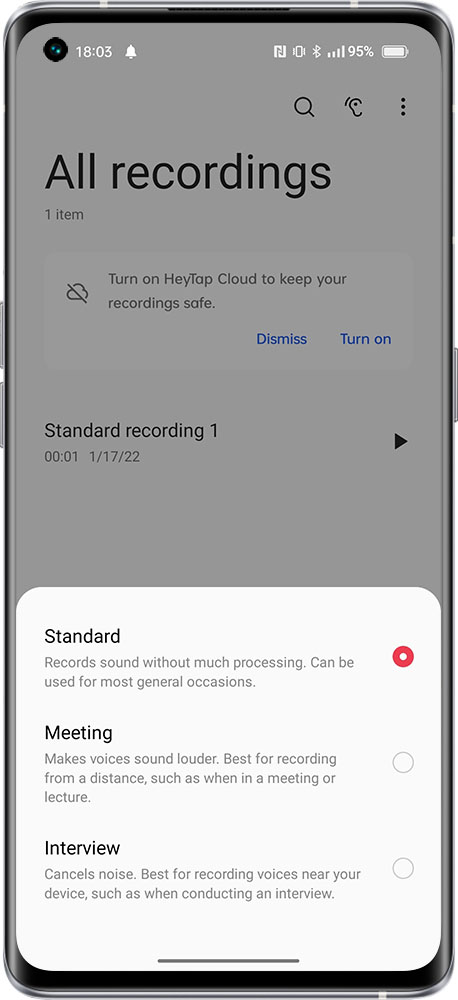
The system recorder of realme devices supports three modes: Standard, Meeting, and Interview. It is recommended that you select the corresponding recording mode according to the actual specific scene. The specific recording effect will vary according to the actual situation. It is recommended that you use the recording function in a quiet environment and be as close as possible to the microphone part of the device.
Setting path:
Enter Recorder > click the text above the red recording button > select recording mode.
Note: Certain models may not support three modes. It is advised to rely on the actual phone usage.
Related Articles:
How to view recording files on Android?