Problem Description:
TV occurs App issues after the TV system update, such as the APP not working, the keyboard not working, etc.
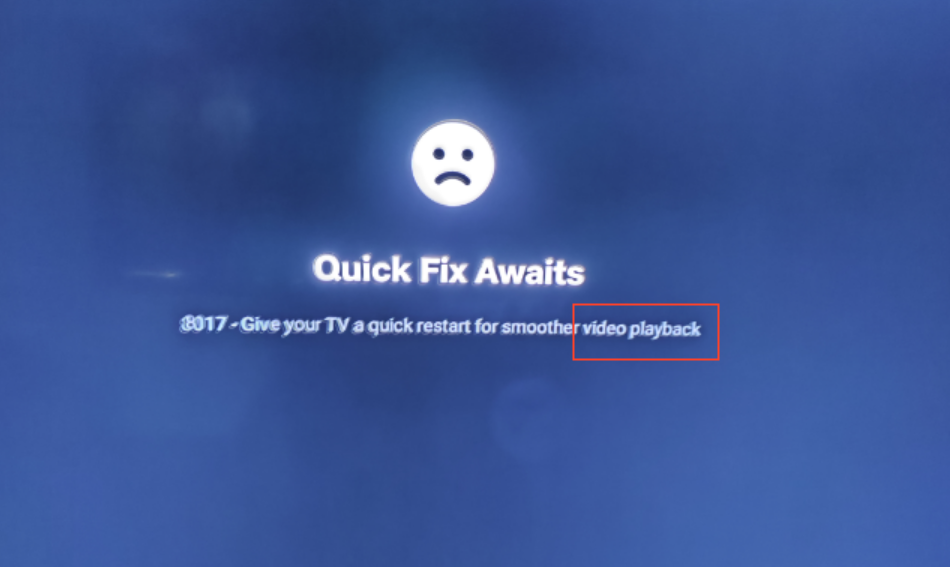
Solution:
1. Please refer to How to reset realme Smart TV? to restore the TV to the factory setting.
If the issue was solved, but it reappeared after a while and the layout of the homepage changed. This fault may be caused by Google upgrades.
2. There are two solutions below, please choose according to your actual needs
Please refer to How to uninstall apps in realme Smart TV? to uninstall the abnormal App, then install the latest version through Google Play.
Please refer to How to reset realme Smart TV? to restore the TV to factory settings, then follow the below path to turn off auto update settings on Google Play immediately.
Path: Select【Google Play】>【 Settings】>【Auto-Update apps】> Select Don't auto-update apps.
If the issue persists, please contact realme Service for help.