Problem phenomenon:
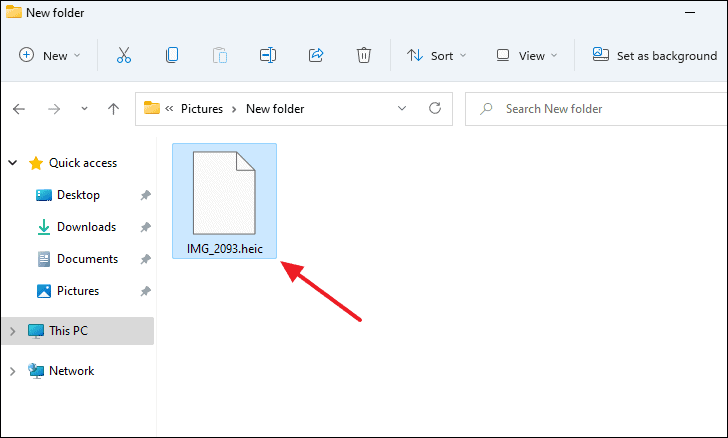
Uploading photos in HEIF or HEIC format to the computer cannot be opened and it prompts that "A codec is required to play this file".
Problem causes:
If the phone has set the photo format to HEIF in the camera, after transferring the photos to Windows, the Windows system cannot open the HEIF and HEIC format pictures normally. You need to convert the photos to other formats or download a special codec.
Solution:
You can convert pictures in HEIF format to other formats.
realme UI 3.0 & above versions: Photos > 3 dots in the upper right corner > Settings> Compatibility > Convert HEIF photos for sharing/ Convert images for sharing.
realme UI 2.0 & 1.0: not support
realme UI R & Go & S & T edition: not support
Related Articles:
How to set the photo ratio when taking a photo
How to show location in photos